
Plans & billing
Understand Free and Studio, monthly and lifetime payments, two-device account access and why a premium preview can still require an upgrade to export.
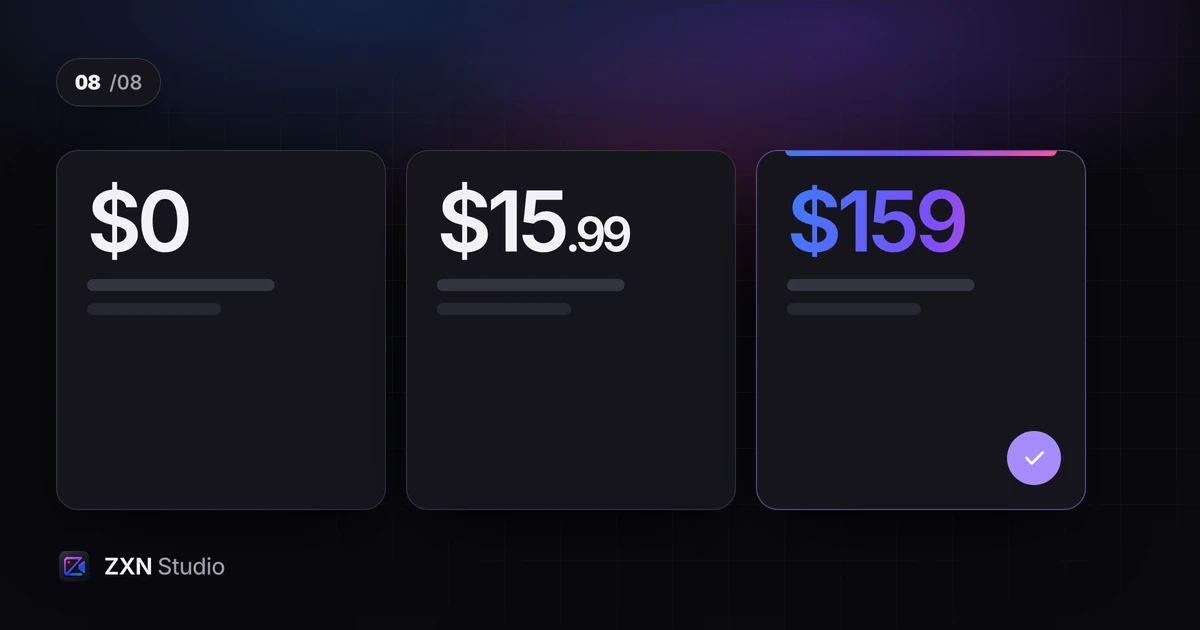
ZXN Studio has a Free plan and a paid Studio plan. Studio costs $15.99 USD monthly or $159 USD for lifetime access. Monthly renews until cancelled; lifetime is one payment. Both payment options unlock the Studio editor tools. Monthly additionally includes hosted link sharing and 300 GB of managed cloud storage; lifetime does not include that managed-storage allowance.
Payments use Stripe, and access is attached to your account with support for up to two connected devices. Review current pricing before purchasing.
What Free includes
Free includes the full editor and recording/export up to 1080p at 30 fps. Its included creative selection is plain titles, six filters, six effects, three camera frames and people background removal using RVM.
This makes Free a useful place to complete a real project rather than only inspect an interface. Record a short demonstration, edit it, use included treatments and check the exported file. The getting-started guide walks through that process.
The phrase 'full editor' does not mean every effect, model or output option is included. Separate editing access from the specific creative features and export limits attached to each plan.
What Studio adds
Studio adds 4K, 60 fps and supported native ProRes master formats. It also includes all title styles, effects, filters and camera frames, plus all cutout models and live background removal. Depth occlusion, 3D surfaces, motion tracking and the camera Pop out treatment are also Studio features.
Choose Studio because a project needs those capabilities, not because a higher plan is automatically necessary for a useful video. A straightforward tutorial may work within Free; a project requiring a particular cutout model or master format may not.
The export guide explains how output choices and feature entitlements affect delivery.
Why a premium preview can require Studio later
Studio-only features can be previewed in Free. This lets you explore a treatment before purchasing, but it does not grant Free export rights for that treatment. Export identifies the clips requiring Studio.
For example, a timeline can stay within 1080p at 30 fps and still contain a Studio-only title style. Reducing the resolution does not resolve that title's entitlement requirement. Review the reported clip, then either replace the treatment with an included option or use Studio.
Make this check while the project is still easy to revise, rather than waiting until a delivery deadline.
Choose a payment option around expected use
Monthly costs less initially and may suit a defined period of work. Lifetime requires the larger payment upfront but does not create a monthly Studio renewal.
At the listed USD prices, nine monthly payments total $143.91 and ten total $159.90. The $159 lifetime price is therefore slightly below ten monthly payments. This compares payments, not identical service bundles: monthly includes 300 GB of managed storage, while lifetime does not. It assumes unchanged prices and excludes checkout differences or payment-provider currency conversion.
It is not a promise that earlier subscription payments become credit towards lifetime. Check the purchase terms rather than assuming a conversion, discount or automatic transfer. For a fuller decision framework, read monthly or lifetime.
Keep purchase and account details together
Use the account you intend to keep using and check the payment confirmation against it. Because access is account-based, an unexpected Free status should first prompt a check that you are signed into the correct account.
Keep the receipt, purchase date and relevant account email available for billing enquiries. Avoid making a second purchase simply because access does not immediately look as expected. Compare the transaction record, the selected plan and the signed-in account first.
Review the amount and renewal information presented at checkout. The published USD price alone should not be treated as a guarantee of the exact amount appearing on a statement in another currency.
Understand device access and renewals
Your account supports up to two connected devices. That allowance describes connected-device access; it should not be read as a promise of shared projects, team collaboration or automatic media synchronisation.
When changing computers or encountering an access limit, check which devices are connected and follow the account's available management process. Keep source media separately organised because account access is not a project backup.
For monthly billing, complete the cancellation process and retain confirmation when you no longer want renewals. Closing the application or no longer using it is not the same as cancelling a subscription. Check the effective date shown rather than assuming one.
Keep optional services and refunds separate
Optional AI/Codex services may require their own account, model download or charges. Do not assume Studio includes every external AI subscription or usage allowance.
For a refund question, read the refund policy and the terms relevant to your purchase. This guide does not promise a refund window, eligibility or an outcome not stated there.
Complete a Free export, identify the editor tools and hosting you need, then choose the option that fits your use and budget.
Monthly storage and optional uploads
Studio monthly includes 300 GB of managed cloud storage and hosted link sharing. An active monthly plan is required for new managed uploads. Recording and editing remain local until you choose to upload; a completed export does not automatically become public.
New uploads start private. Choose visibility in Sharing settings before sending a viewer link. You can update an existing video while retaining its link, and optionally include an editable project-and-assets backup that stays private. Capacity depends on the files and versions you retain, not a fixed number of video hours.
The $159 lifetime editor purchase does not include the monthly managed-storage allowance. Read the link-sharing guide for the workflow and the difference between a playback video and a private project backup.