Product tour script
1. Open on the dashboard
2. Create a project in one click
3. Invite the team
4. End on the pricing page
 ZXN Studio
 ZXN Prep
New for Mac
ZXN Prep
New for Mac
The menu-bar app that checks your mic, camera and window before you hit record, clears your desk, and puts it all back when you are done.
Twelve minutes recorded on the AirPods mic.
Exported, then noticed the window was 1439 × 812.
A notification slid in halfway through the demo.
Check your microphone, window size and Focus setting before you press record.
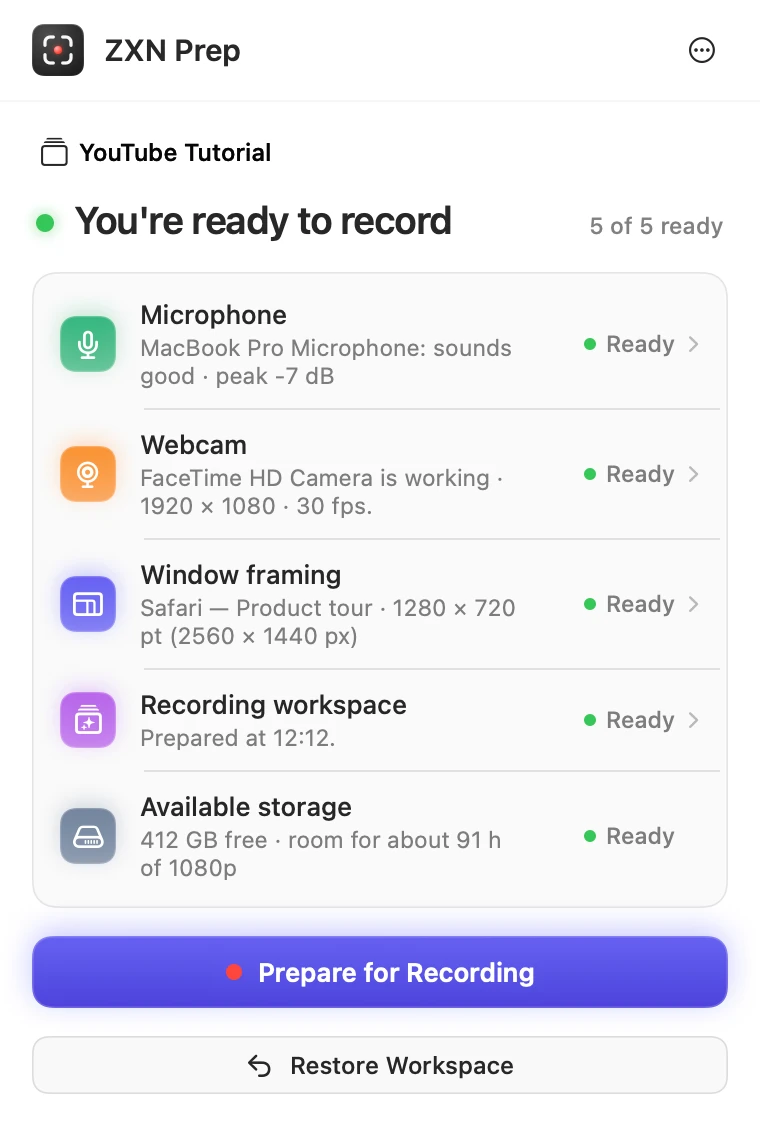
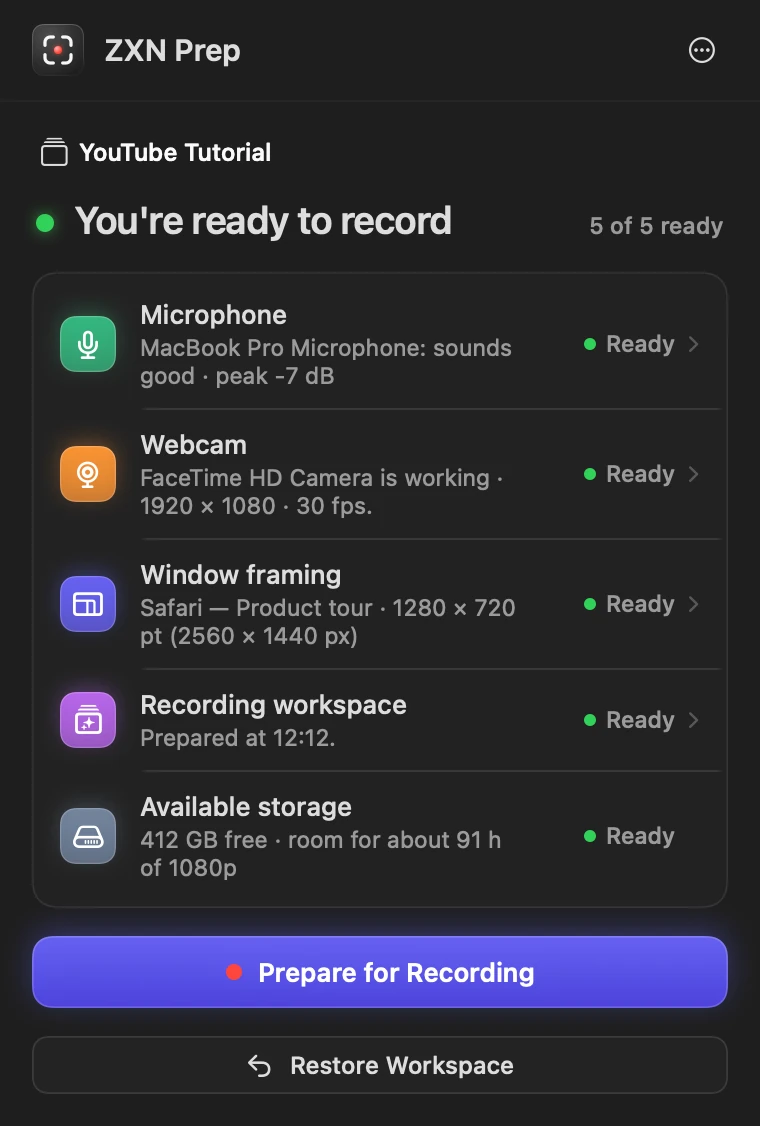
Click the brackets in your menu bar and it answers one question: are you ready to record? Anything that is not opens straight to its fix.
Live levels from the mic you record with, a warning before you clip, and a five-second sample to play back.
A big preview with feedback on framing, head position and light, before anyone sees it.
The window you record, sized to an exact 16:9, 9:16, 4:3 or square, with the pixels it will come out at.
Other apps hidden, a nudge to turn on Focus, your recorder opened and waiting.
Room on the disk for a long take, checked before you start rather than when it fills.
Pick a window and a shape. Prep keeps the window’s longer side, fits it between the menu bar and the Dock and centres it, then shows the points and the pixels your recording will actually have. Restore puts it back. Try it here, or click the real panel:
Safari · Product tour 1139 × 731 pt · not framed yet
A 14-inch MacBook Pro display, 1512 × 982 pt. Prep works the sizes out for yours.
Some apps have a smallest size they will shrink to. If a shape asks for less, Prep makes the window as small as that app allows and tells you the size it got.
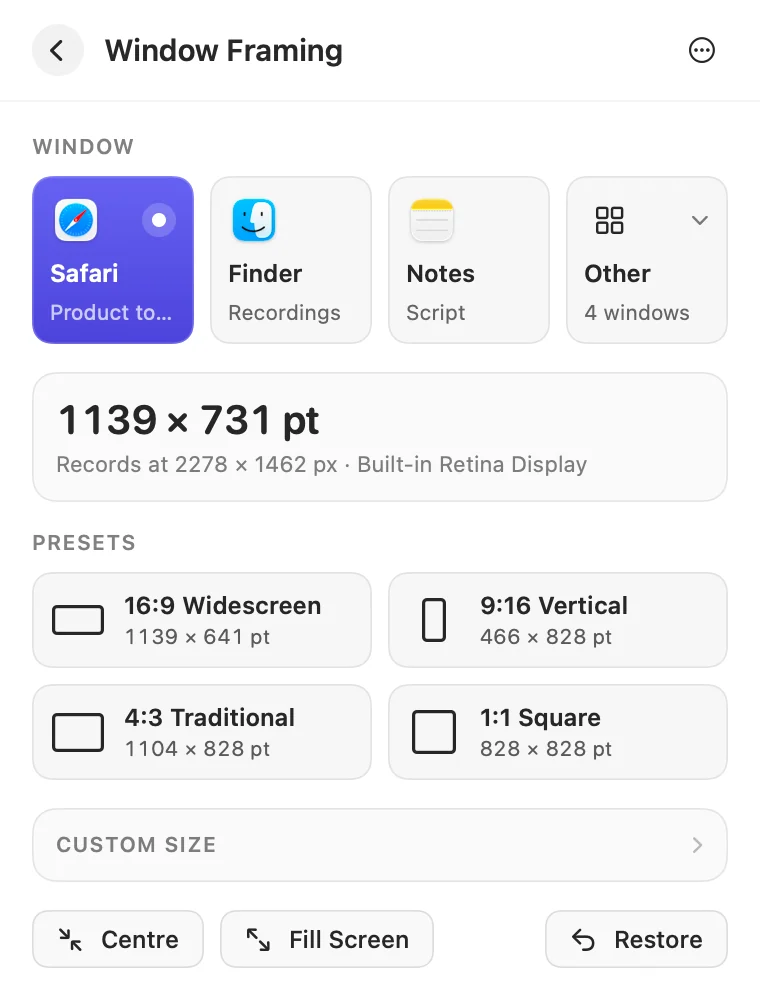
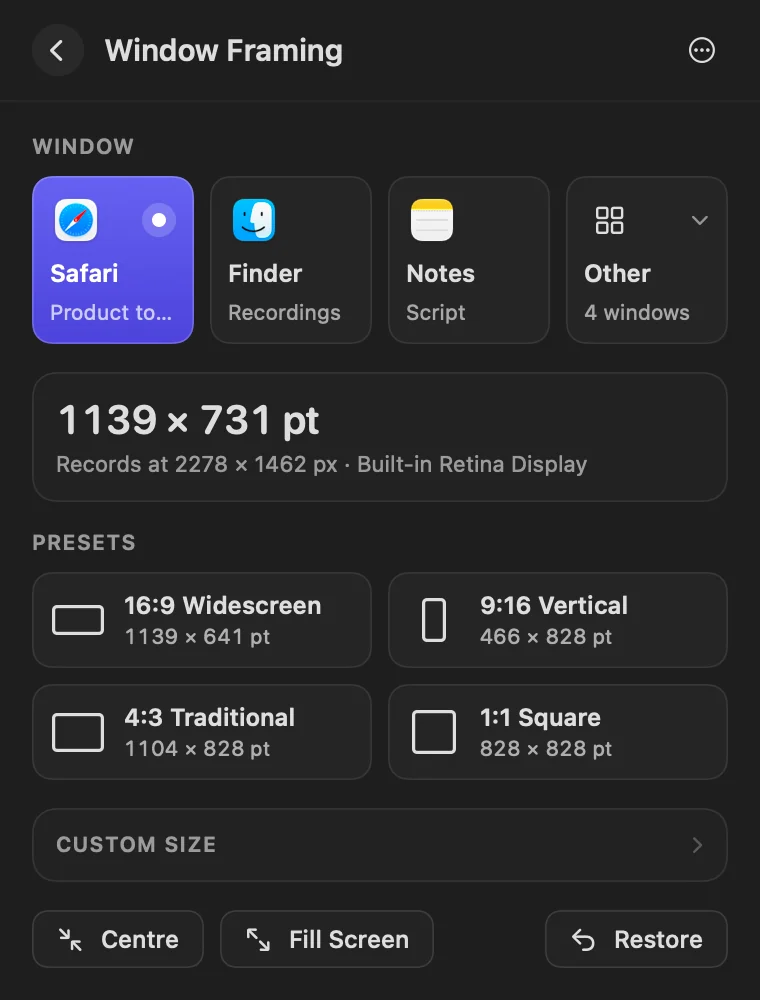
Frames the window, hides everything else, checks your devices and disk, and opens your recorder.
Record your video in the app you already use. Prep only records a short microphone sample when you ask it to.
Windows go back to their old size and place, and hidden apps come back. Nothing was closed.
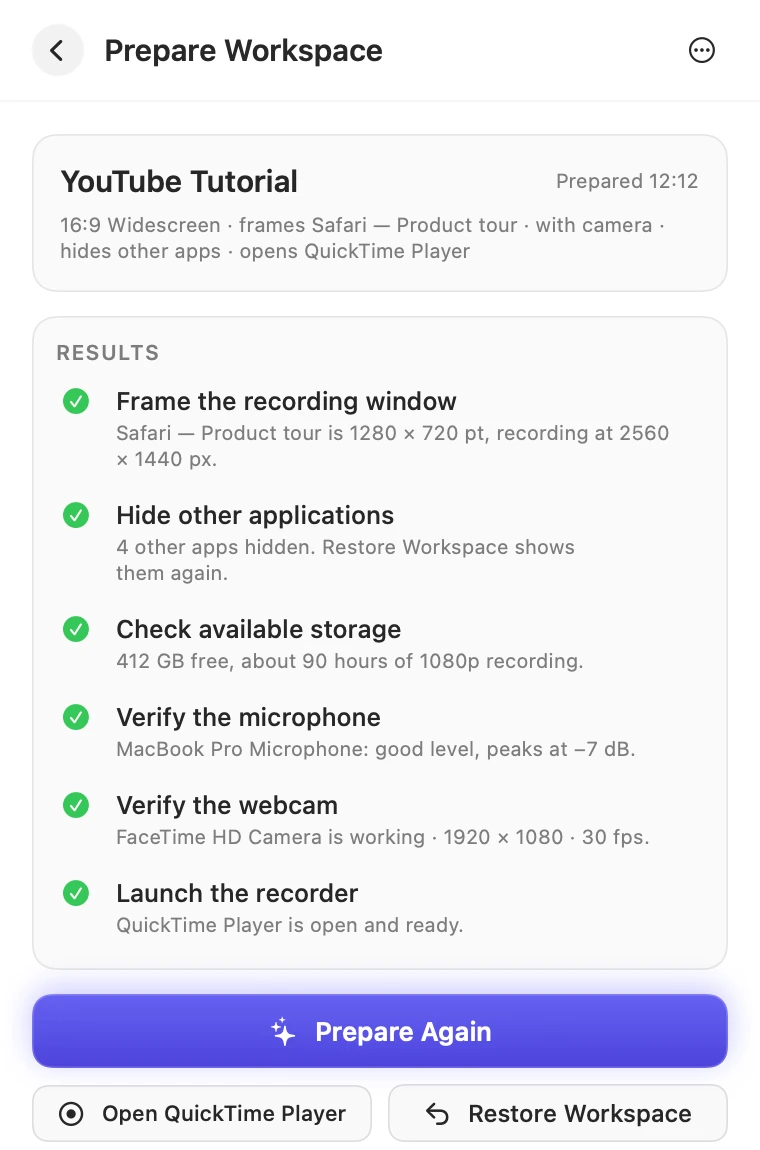
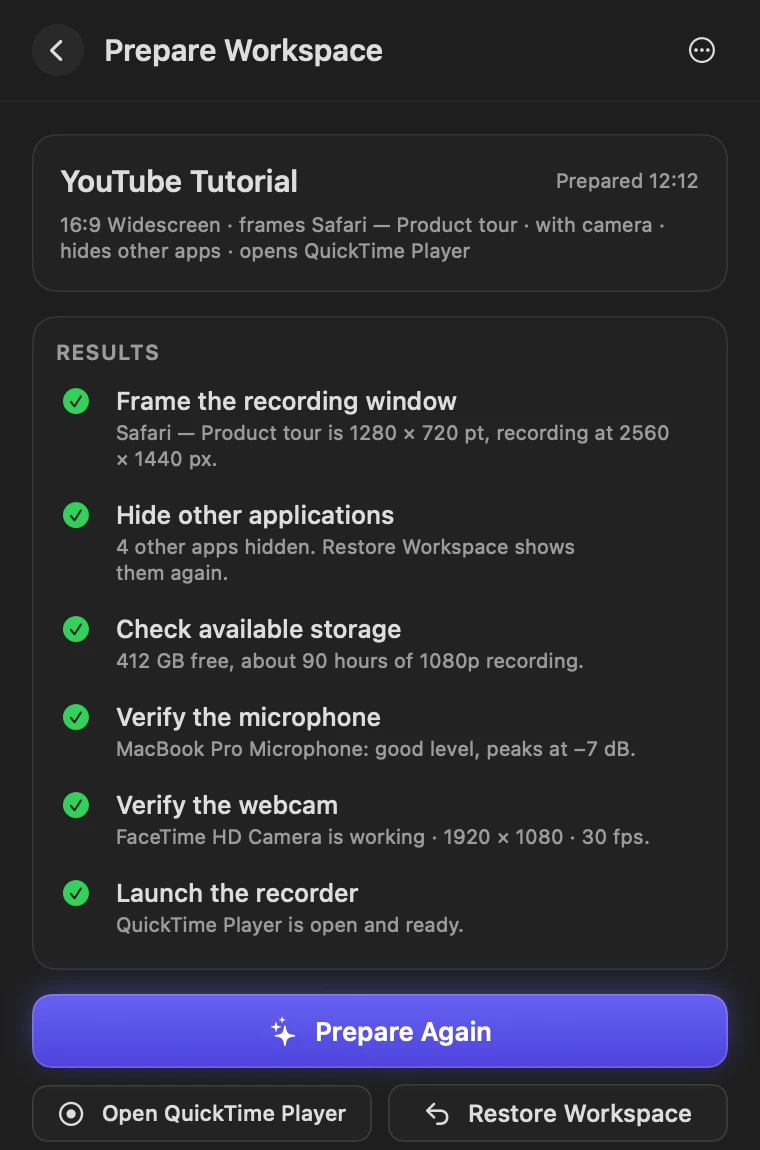
A widescreen tutorial with your webcam. A vertical Short without it. A product demo that opens your recorder. Save each one and switch in a click.
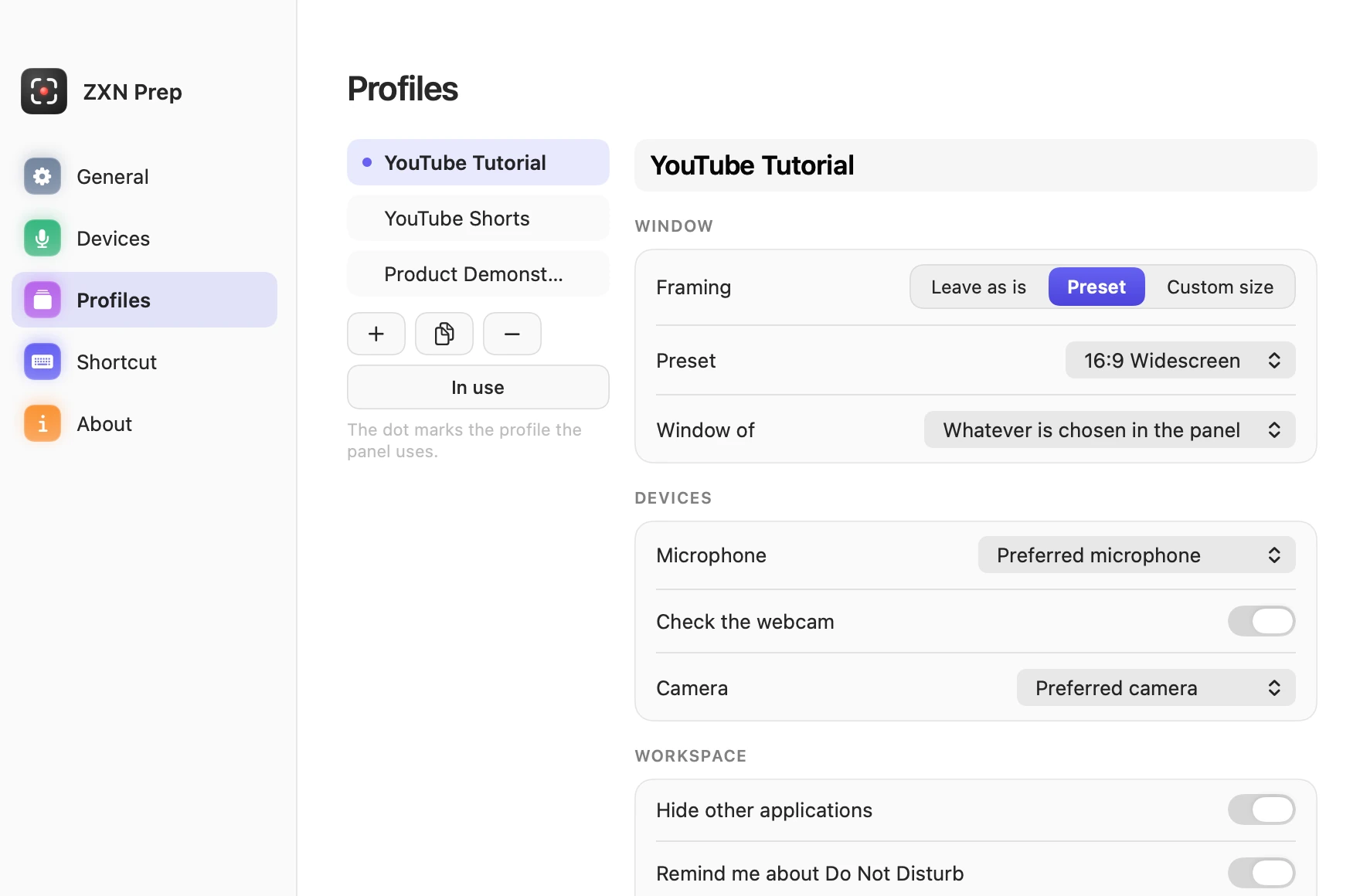
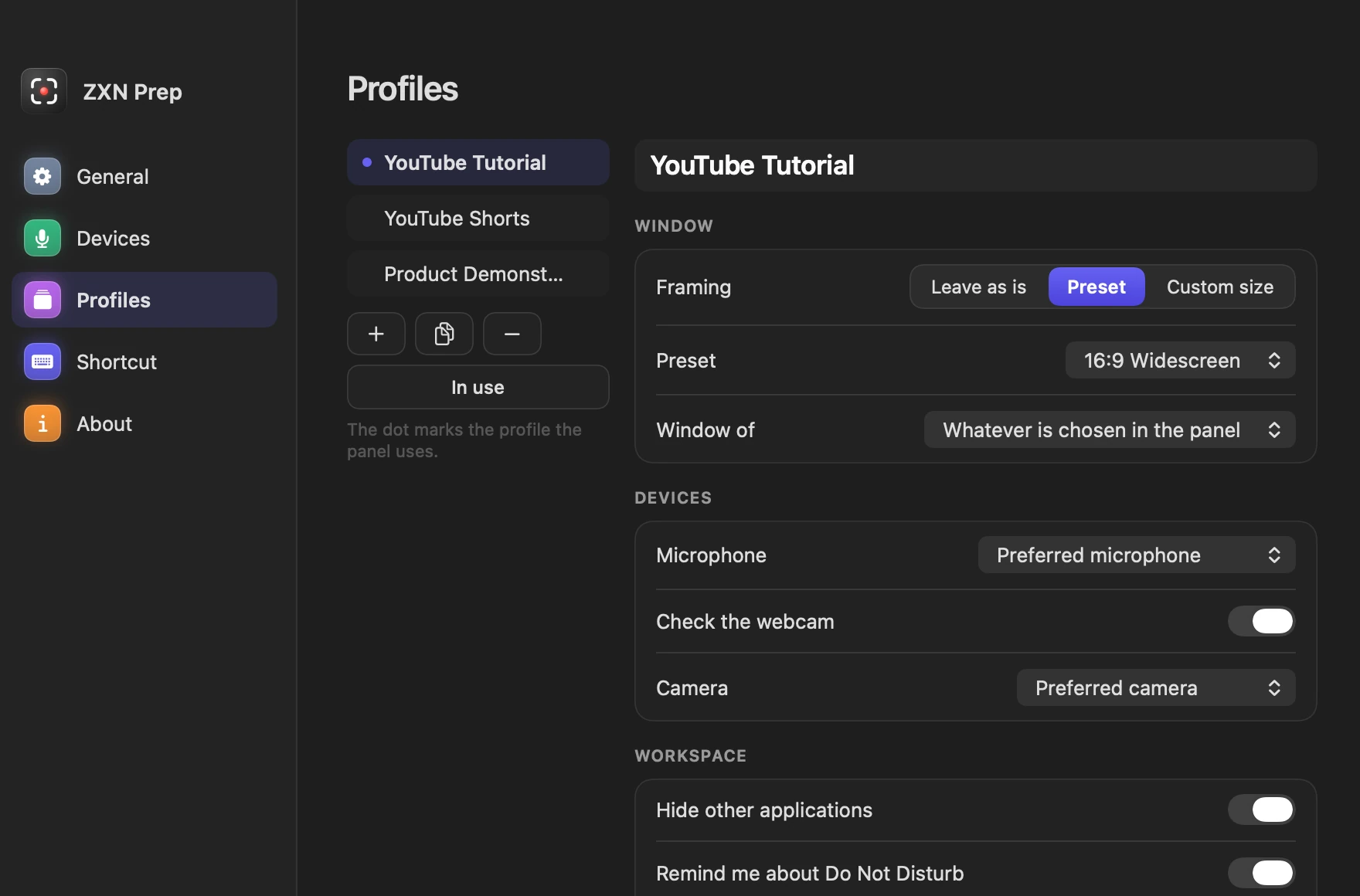
Prep gets you ready; your recorder records. It opens the one you choose and never installs anything for you.
No. ZXN Prep works on its own with any recorder. If you have a Studio plan, it is already included.
No. It prepares your Mac and opens your recorder. Recording apps do not tell other apps when they stop, so you restore your workspace from Prep when you are done.
It is an estimate from the camera image. It does not change camera settings or measure studio light, and the optional review can be mistaken.
Two at a time. You can disconnect a Mac from your account page and connect another.
Write to hello@zxn.studio with your Stripe transaction reference. Read the refund policy.
⌃⌥R opens ZXN Prep from anywhere, so checking takes less time than reading this sentence.