
Monthly or lifetime: find your fit
Compare the real cost of monthly and lifetime Studio access, count paid months honestly and test the features you need before committing.
In this article
Choose monthly Studio access when you want a smaller upfront payment or need its included hosted link sharing and 300 GB of managed storage. Choose lifetime when you have tested the editor, prefer one payment and can meet your delivery needs without that included managed-storage allowance. Compare both the tools and the services your workflow needs.
ZXN Studio's paid Studio plan is $15.99 USD monthly or $159 USD lifetime. Both unlock the Studio editor tools. Monthly also includes 300 GB of managed cloud storage and hosted link sharing; lifetime does not include that managed-storage allowance. Monthly renews until cancelled; lifetime is one payment.
Start with the need, not the discount
Before comparing payment schedules, establish whether you need Studio at all. Free includes the full editor, recording/export up to 1080p at 30 fps, plain titles, six filters, six effects, three camera frames and people background removal using RVM.
Complete a representative Free project and export it. That test is more valuable than deciding from a feature list alone. You may find that your current tutorials need no paid treatment, or that one specific requirement makes Studio worthwhile.
Studio adds 4K, 60 fps, supported native ProRes masters and its expanded creative features. These include all title styles, effects, filters, camera frames and cutout models, plus live background removal, depth occlusion, 3D surfaces and motion tracking.
Compare the published prices honestly
The following arithmetic uses the listed USD prices, assumes they remain unchanged and excludes checkout differences or currency conversion. It compares subscription payments with one $159 lifetime purchase, not the cost of every service in your production workflow.
| Paid monthly periods | Monthly total | Lifetime payment |
|---|---|---|
| 1 | $15.99 | $159.00 |
| 3 | $47.97 | $159.00 |
| 6 | $95.94 | $159.00 |
| 9 | $143.91 | $159.00 |
| 10 | $159.90 | $159.00 |
| 12 | $191.88 | $159.00 |
Nine monthly payments cost less than lifetime; ten cost slightly more. The difference at ten payments is $0.90 and at twelve is $32.88 under these assumptions. These are payment comparisons, not equivalent service bundles: monthly includes managed storage as well as the editor. If hosting matters to you, include its value and any alternative hosting cost in the decision.
Check current pricing and the actual checkout before relying on these figures.
Count paid months rather than calendar months
A creator producing videos throughout the year has a different pattern from someone editing one short course each summer. Twelve calendar months do not necessarily mean twelve subscription payments if you deliberately cancel between projects and later purchase access again.
Conversely, a subscription left running while you are not editing still renews until cancelled. Be realistic about whether you will manage that schedule.
Write down the projects you genuinely expect to make and when they require Studio features. Do not count hypothetical future work merely to make the lifetime calculation look attractive. The useful number is expected paid use, not how long you can imagine owning an editor.
Use monthly to limit an uncertain commitment
Monthly may suit a defined launch, a short production period or a workflow you have tested but not yet adopted regularly. It keeps the initial payment smaller while you learn whether the app fits the way you work.
Monthly also supports a hosted delivery workflow: upload a finished video privately, set visibility and send its viewing link. The included 300 GB is storage capacity, not a fixed number of recording hours. Retained files, versions and optional private project backups use space. See link sharing.
Set a reminder to review the subscription before the next renewal you do not need. Complete the actual cancellation process and retain confirmation; simply finishing the project does not stop billing.
Choose lifetime for an established workflow
Lifetime may suit someone who has already completed representative recordings and exports, knows they need Studio features and expects sustained paid use. The one-payment structure removes the monthly Studio renewal from that decision.
It does not establish a promise about every future operating system, hardware configuration, external service or unannounced feature. Buy for the workflow and terms available now rather than assumptions about what may arrive later.
Both payment choices attach access to an account and support up to two connected devices. That is not a reason to pay more for lifetime: the device allowance is not exclusive to that payment option.
Avoid two common calculation mistakes
First, do not assume past monthly payments become credit towards lifetime. No conversion credit is promised here. When reconsidering later, compare the cost of your next decision and check the applicable purchase terms.
Second, keep optional AI/Codex costs separate. Those services may need their own account, model download or charges. Lifetime Studio access is not a promise of unlimited external AI usage.
Payments use Stripe. For account, cancellation or refund questions, consult billing guidance and the refund policy.
Decide after a real export
Studio-only treatments can be previewed in Free, but export identifies clips requiring Studio. Use that check to confirm what your project actually depends on.
Stay with Free when it meets the requirement. Choose monthly for a smaller commitment and its included managed hosting. Choose lifetime when tested editor use justifies the upfront payment and you have accounted for delivery separately. Base the decision on real work, the services you need and an affordable budget.
Related journal notes
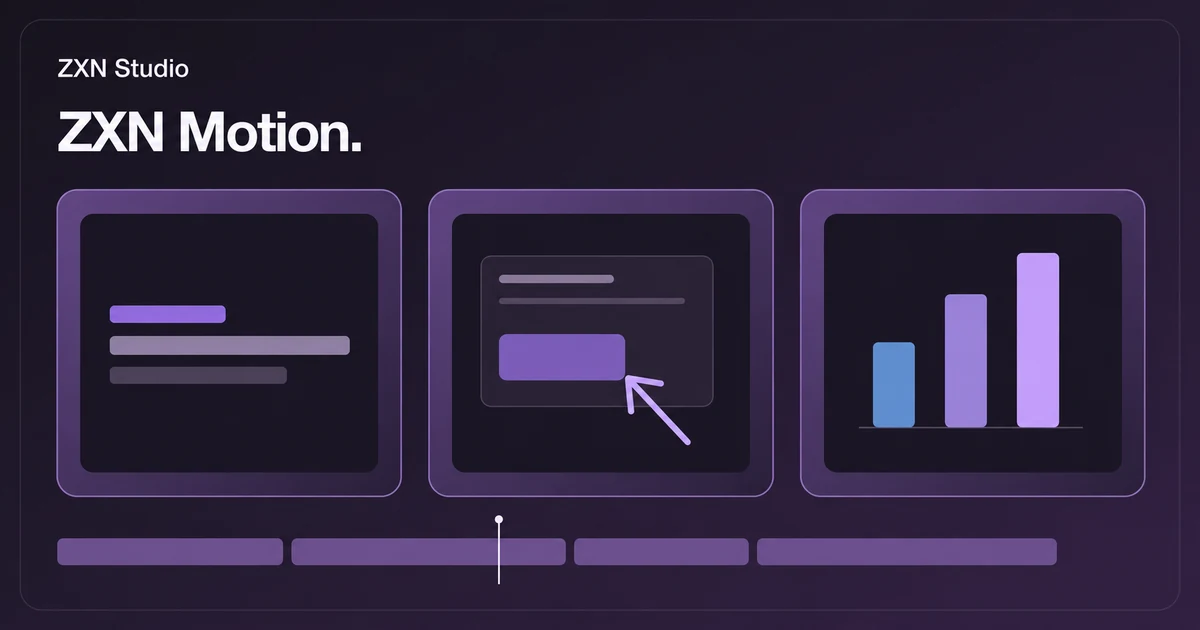 Inside the ZXN Motion library: editable titles, callouts and graphics for your videosFind editable titles, lower thirds, callouts and charts in the ZXN Motion library. Choose graphics that make tutorials and product demos easier to follow.
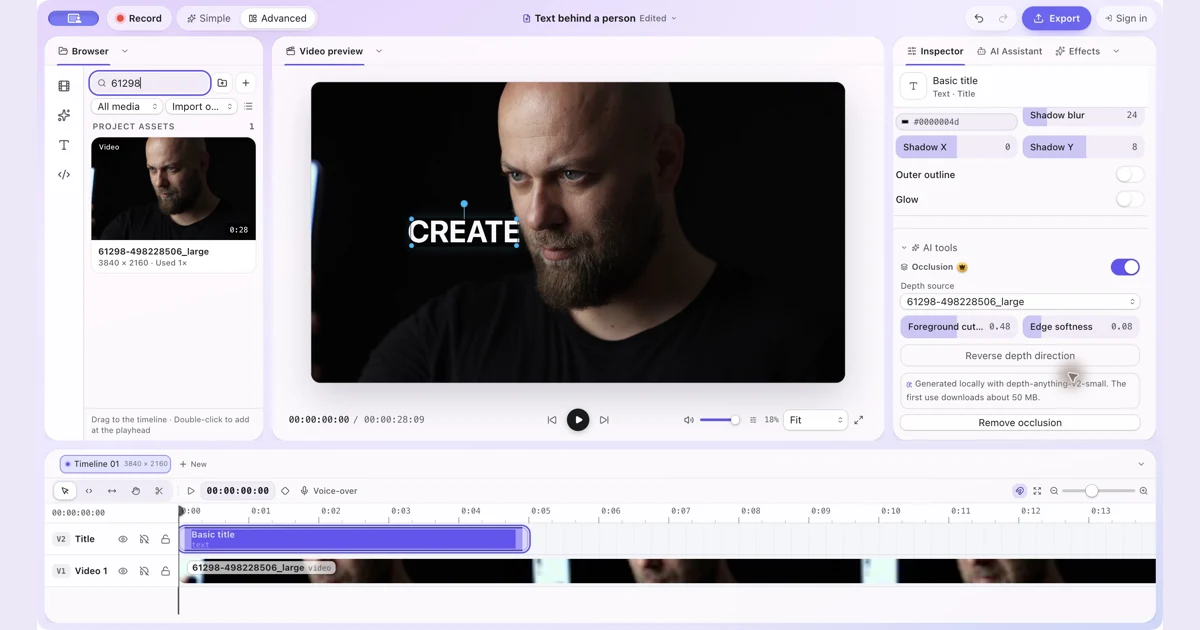 How to Put Text Behind a Person in a Video on MacPut text and other visual items behind a person with manual occlusion in ZXN Studio. Follow the layer setup and refine the depth boundary.
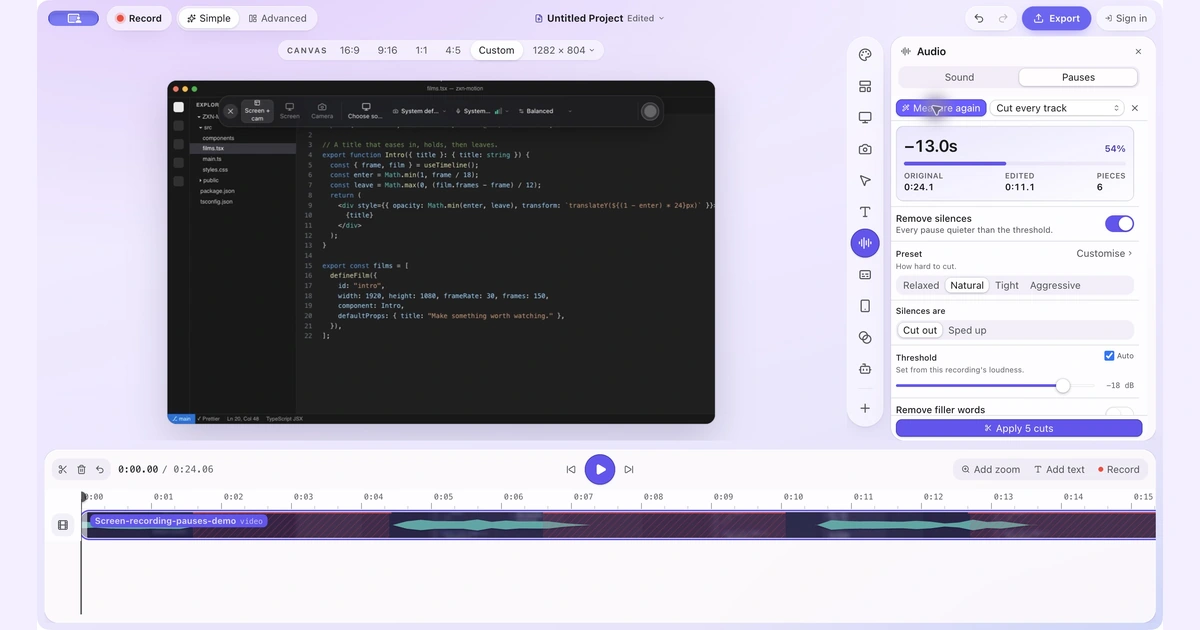 How to Remove Silence and Long Pauses From a Screen Recording on MacFind quiet gaps, keep useful thinking time and shorten a screen recording without cutting off words or losing sync.