
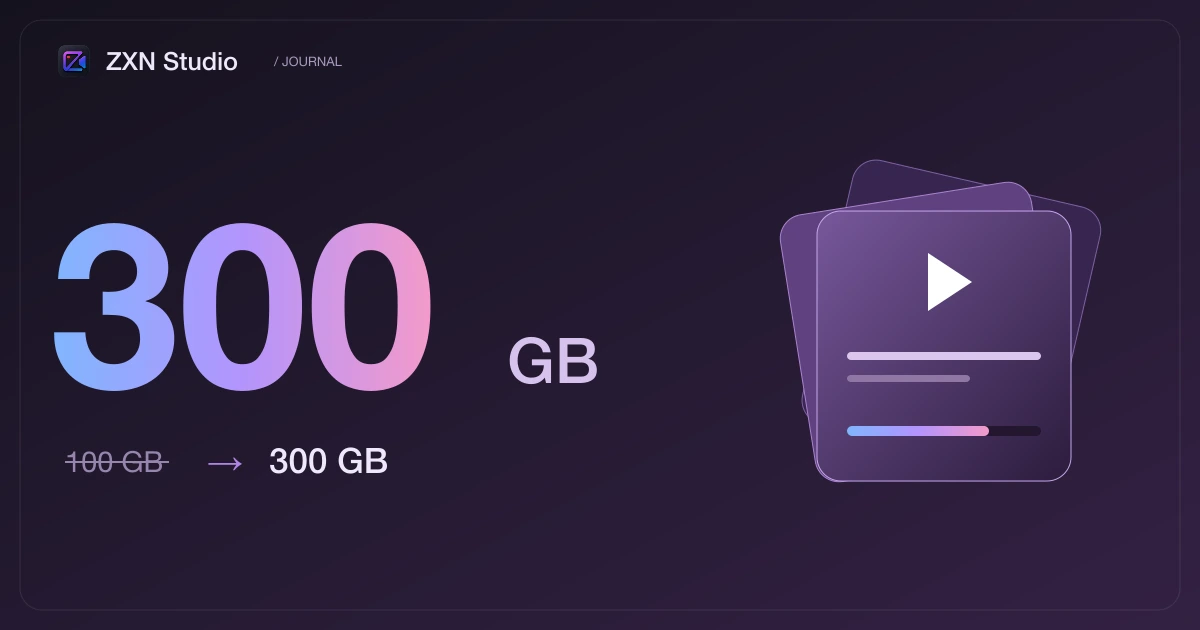
More room to create: ZXN Studio Monthly now includes 300 GB
Three times the managed cloud storage, at the same monthly price. Keep more recordings, project backups and finished videos in your ZXN Studio library.
In this article
ZXN Studio Monthly now includes 300 GB of managed cloud storage, up from 100 GB. The monthly price stays at $15.99 USD, before any applicable tax or promotion. Existing active monthly subscribers receive the larger allowance automatically, and new monthly subscribers start with the same capacity.
This is a straightforward change: more room for the recordings, exports and project backups you choose to upload. You do not need to move your library, recreate your sharing links or buy a separate storage add-on to receive the increase.
Three times the space for your working library
A video rarely ends with a single file. You may keep the original recording, a project you can return to, a review export and the version you finally publish. Add a few lessons or product demonstrations and that collection grows quickly, even when each individual video looks quite modest.
Moving from 100 GB to 300 GB gives a monthly account another 200 GB of capacity. That can make it easier to keep a current course together, hold on to alternate takes while a client reviews them, or leave useful recordings available between projects.
We are deliberately describing capacity in gigabytes rather than promising a fixed number of video hours. Resolution, frame rate, codec, bitrate and the complexity of the image all affect file size. A compressed talking-head clip and a detailed screen recording can use very different amounts of space for the same duration.
What the allowance includes
The 300 GB allowance applies to ZXN Studio's managed storage for eligible monthly subscribers. Uploaded files share that capacity: it is not a separate 300 GB allocation for every project or every device. Retained versions and uploads that are still in progress also count, so the space shown in your library reflects the work already stored or reserved.
This is total storage capacity, not 300 GB of new upload credits every month. Files remain in the library until you remove them. The existing limit of 100 GB for a single upload is unchanged; several uploads can together use the larger account allowance.
You can continue using video links to share work without asking someone to download your editor. For a practical walkthrough, see our guide to sharing screen recordings with a link.
Your local workflow stays local
Recording and editing still happen on your Mac. Extra cloud space does not turn on automatic uploading of everything you make. You choose when to share a video or back up a project, and that is when the relevant files enter your cloud library.
Monthly subscribers can also use their own private R2 bucket. Lifetime access continues to include the Studio editor for a single $159 USD payment, with cloud sharing through your own private R2 bucket rather than the monthly managed allowance. The free editor remains available for recording, editing and exports up to 1080p.
Start using the extra room
Open your cloud library with an active monthly account to see the 300 GB capacity. Your existing files count towards the new total; an account using 60 GB, for example, has 240 GB remaining before any pending uploads.
You can review the updated plan cards, comparison table and common questions on the pricing page. The purpose of this increase is simple: give the videos you are working on more room, while keeping the same monthly plan and the same familiar workflow.
Related journal notes
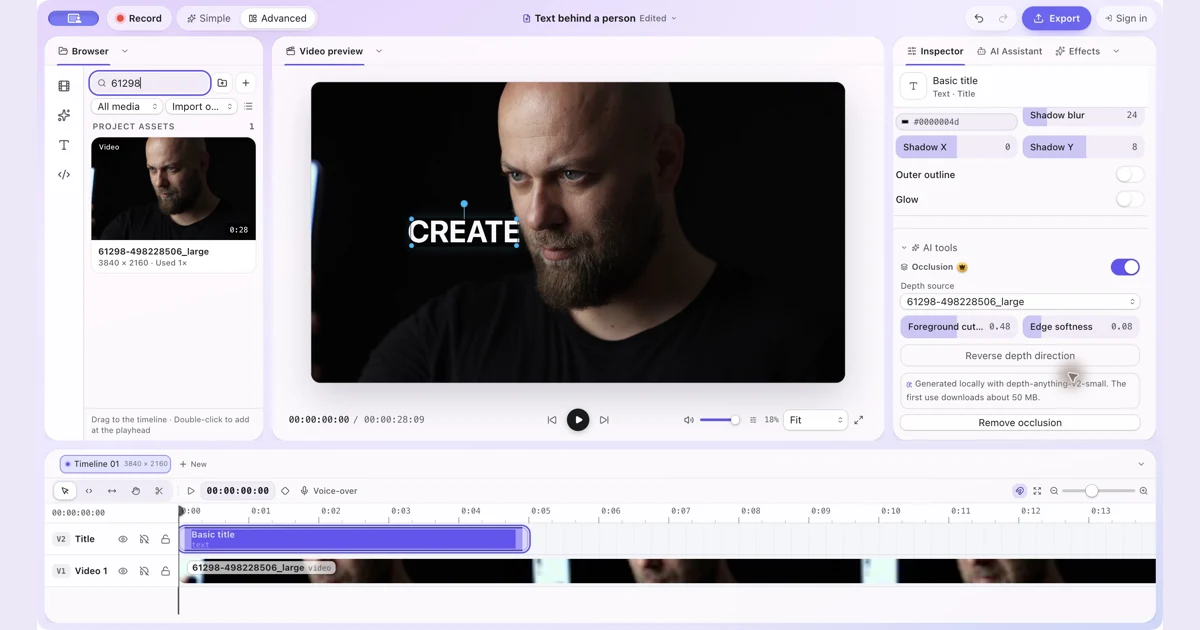 How to Put Text Behind a Person in a Video on MacPut text and other visual items behind a person with manual occlusion in ZXN Studio. Follow the layer setup and refine the depth boundary.
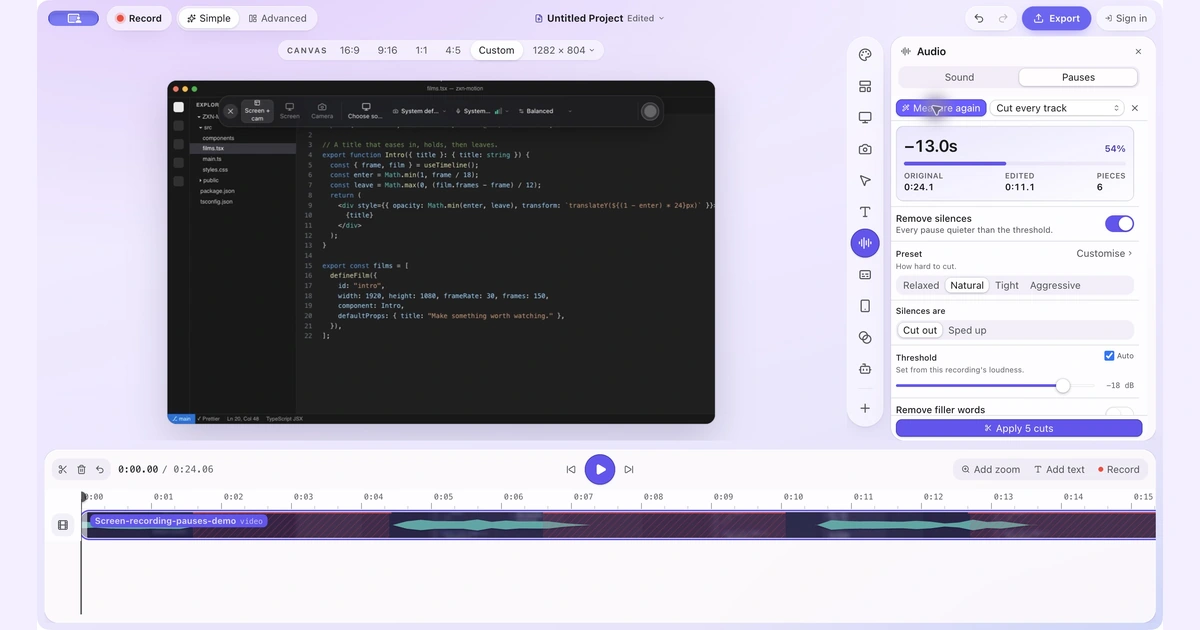 How to Remove Silence and Long Pauses From a Screen Recording on MacFind quiet gaps, keep useful thinking time and shorten a screen recording without cutting off words or losing sync.
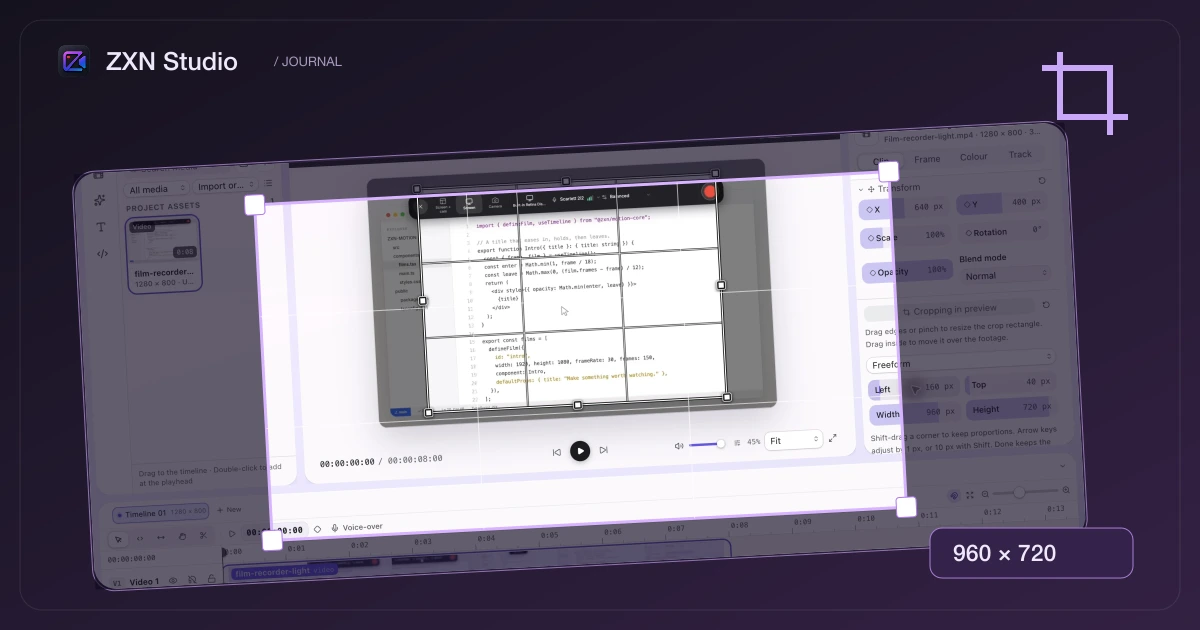 Keep the part that matters: cropping is now in ZXN StudioReframe a screen recording or image without starting again. The new crop tool brings draggable handles, aspect presets and pixel-level control straight into the preview.