
The ZXN Studio referral programme: earn 30% recommending a screen recorder you already use
ZXN Studio now pays creators 30% of every lifetime purchase and 20% of monthly payments for a year. Here is how the programme works, who it suits and what it pays.
In this article
If you make tutorials, reviews or streams about creating, you have probably already recommended a screen recorder to your audience for free. The ZXN Studio referral programme turns that recommendation into income: 30% of every lifetime purchase and 20% of every monthly payment for the customer's first twelve months. This guide explains how it works, what it pays and how to tell whether it fits your channel.
What the programme pays
ZXN Studio sells one paid plan, Studio, in two ways: $15.99 a month or $159 once for lifetime access. Commission follows the money the customer actually pays.
| Sale | Your commission | At full price |
|---|---|---|
| Lifetime purchase | 30% of the amount paid, once | $47.70 |
| Monthly subscription | 20% of each payment, for up to 12 payments | $3.20 a month, $38.40 over a year |
Commission is calculated on the price before tax and after any discount. If a customer buys lifetime access with a promotion code, you earn 30% of what they paid rather than a fixed sum. If a referred monthly customer later upgrades to lifetime, the lifetime commission applies to that upgrade as well.
Every sale waits out a 30 day refund window, then becomes payable. Balances of $25 or more are sent to your PayPal or Wise account in US dollars. Your dashboard shows the expected payout date next to each sale, so there is no guessing about when money arrives.
How a referral is tracked
Once approved, you receive a personal link in the form zxn.studio/r/yourname. When someone opens it, a cookie remembers your code for 60 days. If that person creates a ZXN Studio account within those 60 days, or buys with a free account that has never paid, they are credited to you. From then on every qualifying payment they make is matched through Stripe, the same system that processes all ZXN Studio purchases, and appears in your dashboard automatically.
The first partner to refer an account keeps it, and existing paying customers cannot be referred. That protects partners who did the work of introducing someone, and it keeps the programme honest.
Why a screen recorder is an easy recommendation
Most affiliate programmes ask you to promote something your audience has never seen you use. A screen recorder is different. If you record your screen for tutorials, your viewers already watch the output, and they regularly ask what you use.
ZXN Studio gives you a few concrete things to show rather than claims to repeat:
- The free plan includes the whole editor, recording and export at up to 1080p, titles, filters and background removal around people. Viewers can try it without paying, which lowers the barrier for your recommendation.
- Studio adds 4K, 60 fps, ProRes masters, real time background removal, depth occlusion, 3D surfaces and motion tracking. These are features you can demonstrate on screen in the same video that carries your link.
- There is a lifetime option. Audiences who are tired of subscriptions respond well to a one time price, and lifetime sales pay the larger commission.
- The Mac app records locally and edits locally, so a privacy conscious audience has a clear reason to prefer it.
In practice the best performing placements are the ones that already fit a creator's content: a link in the description of an editing tutorial, a pinned comment under a review, a line in a newsletter about tools, or a mention during a stream when someone asks how the overlay was made.
Who the programme suits
You do not need a large audience. Applications are reviewed by a person, and the review looks at whether your audience makes things and whether a ZXN Studio recommendation would be genuine. A YouTube channel with two thousand subscribers who follow editing tutorials will usually convert better than a general channel with fifty thousand.
The programme currently fits:
- YouTube creators who publish tutorials, software reviews or editing breakdowns.
- Twitch and Kick streamers who record and edit highlights for other platforms.
- Writers who run newsletters or blogs about creative tools, productivity or working on a Mac.
- Course creators and educators who teach with screen recordings.
- Designers and developers who share process videos on X, Threads or LinkedIn.
A few things are not allowed, and the terms spell them out: referring yourself, bidding on the ZXN name in paid search, listing your link on coupon or cashback sites, and offering cash for sign ups. You also need to disclose that you earn from the link, as your platform and local advertising rules require.
What the partner dashboard shows
After approval you get a dashboard at zxn.studio/account/referrals. It lists your link, total clicks, accounts created, paying customers and conversion rate. Each sale appears with its plan, commission, status and expected payout date.
Referred customers appear only as heavily masked email addresses, for example t•••@g•••.com. You can tell your own sales apart without ever receiving a customer's full name, email or payment details. That matters for your audience's trust as much as for ours.
A realistic example
Suppose a tutorial about recording a clean product demo gets 20,000 views over a year, and one in two hundred viewers opens your link. That is 100 clicks. If 10 of them create an account and 3 buy lifetime access at full price, you earn $143.10 from that one video. Add two monthly subscribers who stay for a year and the total rises to $219.90.
Those numbers are deliberately modest. Creators whose content is specifically about screen recording or Mac video editing typically see higher conversion, because their viewers arrive already looking for a tool.
How to apply
Applying takes about five minutes on the referral programme page. You give your name and email, your main platform and channel link, any other places you publish, how you plan to share ZXN Studio and where you want to be paid. Most applications are answered within a few working days.
If you already have a ZXN Studio account, apply with the same email address and your dashboard will appear under Account. If you do not, the approval email includes a link to create your partner account in one step.
The full rules are in the referral programme terms, and the current prices are always on the pricing page. If you have a question that is not covered, write to hello@zxn.studio and a person will answer.
Related journal notes
 10 Tella alternatives for product demos, tutorials and sharingCompare 10 Tella alternatives with current pricing, practical examples and clear tradeoffs for polished demos, reusable tutorials and hosted video sharing.
 12 Loom alternatives for screen recording, editing and sharingCompare 12 Loom alternatives for quick updates and polished demos, with clear editing, hosting and pricing tradeoffs, including ZXN Studio.
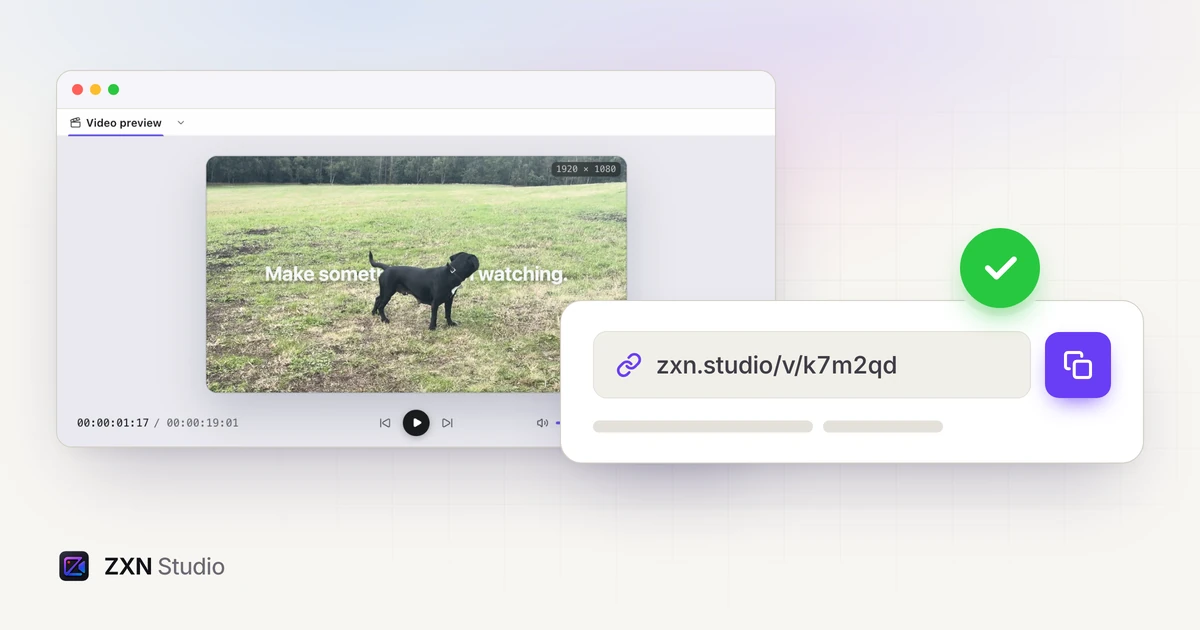 Share screen recordings with a link in ZXN StudioTurn a finished recording into a hosted viewing link, manage visibility and keep revisions together with 100 GB of storage on Studio monthly.