
ZXN Studio, Screen Studio or Tella? Choose your next video workflow
A practical comparison for tutorials, product demos and presenter-led videos, with current prices, editing trade-offs and a simple way to choose.
In this article
The best screen recorder is the one that fits what happens after you press Stop. A quick product walkthrough, a carefully edited tutorial and a presenter-led course can begin with the same screen capture, then demand quite different tools. ZXN Studio, Screen Studio and Tella all belong on a shortlist, but the useful comparison is the work each helps you finish.
We make ZXN Studio, so this is a product team's perspective rather than an independent ranking. Competitor details come from the official pages linked below; we are not claiming a controlled performance benchmark. Prices and plan details were checked on 22 October 2026, before this article's publication. Check the linked pricing pages before buying.
The short comparison
| Your main priority | Start by evaluating | Why it belongs on your shortlist |
|---|---|---|
| Editing several kinds of footage in one Mac workspace | ZXN Studio | Recording, a timeline editor, visual effects and optional sharing |
| A polished recording built around screen activity | Screen Studio | A focused screen-presentation workflow |
| Presenter-led videos and a shared publishing workflow | Tella | Recording, layout editing and hosted delivery |
| A permanent free editor or a one-time paid editor purchase | ZXN Studio | Free editing plus a separate lifetime option |
| A team using Windows as well as Mac | Tella | Official recording options cover both platforms |
These are starting recommendations, not a scorecard. If your main constraint is an existing team's workflow, that can matter more than any individual visual feature. If you work alone, the editing experience and total cost may carry more weight.
Pricing: compare the actual billing commitments
The prices below are in USD, excluding applicable taxes, promotions and enterprise agreements. An annual monthly equivalent is not a monthly payment plan.
| Product and plan | Monthly billing | Annual billing | One-time option |
|---|---|---|---|
| ZXN Studio Free | $0 | $0 | Free editor |
| ZXN Studio Monthly | $15.99 | No separate annual plan listed | — |
| ZXN Studio Lifetime | — | — | $159 |
| Screen Studio | $29 | $108/year, equivalent to $9/month | No new one-time licence listed |
| Tella Pro | $26/user | $156/user/year, equivalent to $13/month | — |
| Tella Premium | $39/user | $228/user/year, equivalent to $19/month | — |
Sources: ZXN Studio pricing, Screen Studio pricing, and Tella pricing. We checked Tella's monthly and annual billing selections separately.
For twelve uninterrupted monthly payments, ZXN Studio totals $191.88. That does not make it automatically cheaper than every alternative: Screen Studio's annual commitment is $108. ZXN's $159 lifetime editor is a different purchase again. Compare the services included rather than assuming the lowest number buys the same thing.
In ZXN Studio, Monthly includes 300 GB of managed cloud storage. Lifetime sharing uses your own private R2 bucket. That distinction matters if cloud hosting is part of your reason for paying. See the storage announcement for what counts towards the allowance.
ZXN Studio: when the recording becomes a larger edit
ZXN Studio is a good place to start when your screen capture is one ingredient in a finished video. You might open with a camera clip, introduce a feature with a title, demonstrate the interface, then cut to another recording. Keeping those decisions on a timeline gives you control over the order and rhythm of the explanation.
The free plan includes recording, editing and exports up to 1080p. Studio adds the premium looks and larger export options, including 4K, 60 fps and ProRes. It also brings tools such as live background removal, depth occlusion, 3D surfaces and motion tracking. Those are useful when a demonstration needs its own visual treatment, but there is no obligation to use all of them.
For a tutorial, a restrained combination often works best: a readable screen, a short introduction, a few purposeful zooms and clear audio. The new crop tool lets you remove unnecessary edges while keeping the source available for later reframing. Crop the picture to improve composition; trim the clip to improve pacing.
Recording and editing happen locally on the Mac. Uploading is a separate choice when you share or back up work. The practical trade-off is that an editor with more creative scope also asks you to make more decisions. If you do not want to think about layers, timing or visual composition, test a simple project before committing to a detailed workflow.
Screen Studio: evaluate the screen presentation first
Screen Studio's distinctive appeal is the treatment of screen activity. Its guide covers automatic and manual zooms, recording a window or area, and camera and microphone capture. That makes it a natural candidate when the product interface itself is the subject of the video. Screen Studio guide.
Imagine a ninety-second demonstration of a new settings panel. The viewer needs to follow a few deliberate clicks and understand the result. In that situation, a consistent screen presentation can do more for clarity than a complex opening sequence. Evaluate whether the default framing helps your particular interface, especially where small labels or wide tables are involved.
Do not assume that a focused recorder lacks modern editing or sharing features. Review its current product pages and test the parts you actually need. Equally, do not buy it solely because a polished sample looks appealing: your own application may contain denser text, longer pauses or less predictable cursor movement. Those are the conditions your trial should reproduce.
Tella: think about presenter, layout and delivery together
Tella's recorder supports separate screen and camera sources, with browser, Mac and Windows recording options. Its editor presents layout changes, transcript editing and automatic zoom tools as part of the same workflow. Those are relevant when a lesson alternates between the person explaining and the screen being explained. Tella recorder, Tella editor.
For example, a course introduction might begin with the presenter, move to a side-by-side explanation, then give the software the whole frame. The benefit to evaluate is how easily you can make those changes while keeping the lesson coherent. A layout switch should support a change in the explanation, rather than provide motion for its own sake.
Tella also puts hosted video delivery alongside editing. Its sharing tools include video pages and embeds, so review the viewer experience as part of your trial. Send a sample to a colleague and ask whether the page makes the next step clear. Tella sharing.
Three realistic ways to choose
For a solo YouTube tutorial, begin with the final upload you want. If the video needs multiple recordings, a few imported assets and a consistent title style, try assembling that edit in ZXN Studio. If most of the value lies in a single clean screen demonstration, compare that result with Screen Studio. If the presenter drives the lesson and layouts change often, include Tella in the same test.
For a product launch, write the sequence before choosing the recorder. A useful structure is problem, action, result. Show the result long enough to understand it. Decide whether you need a polished screen capture, a broader promotional edit or a hosted explanation that teammates can maintain. These outputs have different editing and handoff requirements even when they show the same feature.
For a small team, include the person who receives the work. A creator may love an editor while a reviewer struggles to find the right version. Test how you name recordings, obtain feedback, preserve the editable source and deliver the final file. Multiply any per-user price by the number of paid creators you actually need, and check the vendor's role rules before estimating a team budget.
Run a useful comparison in half an hour
Record the same small task in each shortlisted tool: introduce the purpose, make three changes on screen, deliberately pause once, then show the finished result. Keep the script and microphone consistent. You do not need a long film to discover whether an editing workflow suits you.
Then complete the same checklist: remove the pause, improve one awkward frame, add whatever introduction you normally use, export a review file and reopen the project. Watch the export at a normal viewing size rather than only inside the editor. Look for readable text, understandable transitions and an audio level that does not force constant volume adjustments.
Write down where you hesitated. That is often more valuable than counting features. A tool you understand well can produce a stronger video than a more capable tool whose everyday controls interrupt your explanation.
Which one should you try first?
Try ZXN Studio first if you want a Mac editor that can grow from screen recordings into more composed videos, or if the free and lifetime options fit your budget. Try Screen Studio first if screen presentation is the centre of your work. Try Tella first if presenter layouts and a shared delivery workflow are your strongest requirements.
The useful winner is the one that gets your next real video finished with the least unnecessary work. Start with a representative clip, keep the comparison honest, and choose on the result you can actually publish.
Related journal notes
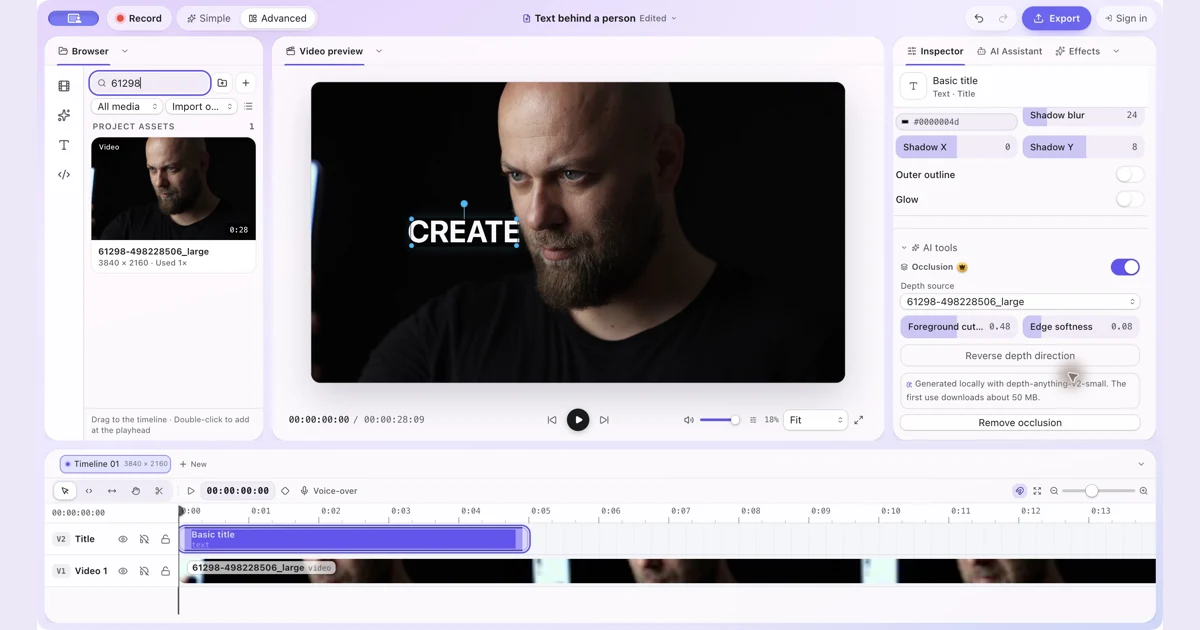 How to Put Text Behind a Person in a Video on MacPut text and other visual items behind a person with manual occlusion in ZXN Studio. Follow the layer setup and refine the depth boundary.
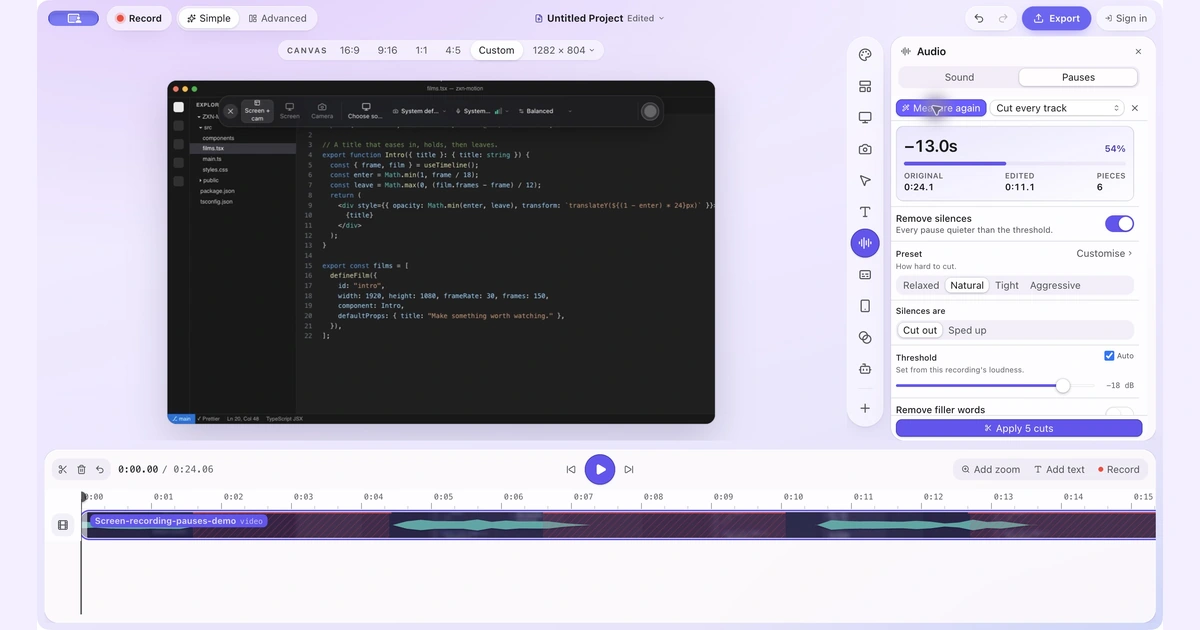 How to Remove Silence and Long Pauses From a Screen Recording on MacFind quiet gaps, keep useful thinking time and shorten a screen recording without cutting off words or losing sync.
 A finished video or a fast explanation? ZXN Studio vs Screen Studio vs LoomChoose a recorder around the job your video needs to do. We compare editing, sharing, pricing and the handoff from creator to viewer.