
Screen Studio alternatives for Mac: free and one-time options
Compare five alternatives for Mac demos, with a decision table, free-plan limits, licensing differences and a practical recording checklist.
In this article
A good Screen Studio alternative should solve the part of recording that slows you down. That might be paying a subscription for occasional demos, arranging several clips, or producing a finished file on a free plan. Automatic zoom is useful, but it is only one part of the decision.
For Mac creators, shortlist ZXN Studio for recording plus a flexible timeline, Cap for its local editor and licensing choices, Tella for hosted presentations, and FocuSee for automatic visual styling. OBS is the free capture option when you are willing to handle editing separately.
ZXN Studio publishes this guide and appears in the comparison. Product information was checked against official sources on 16 November 2026. These are documented capabilities and editorial recommendations, not results from a timed benchmark.
Screen Studio alternatives at a glance
| Tool | Best reason to consider it | Free or paid starting point | Main trade-off |
|---|---|---|---|
| ZXN Studio | Record and build a composed Mac video | Free 1080p/30 fps export; paid monthly or lifetime | Native recorder requires macOS 26 |
| Cap | Local editing with optional hosted sharing | Personal use is free; commercial use requires a license | Match the license and recording mode to your work |
| Tella | Presenter layouts, editing and hosted delivery | Seven-day trial; paid subscription | No permanent free plan |
| FocuSee | Auto zoom with Mac and Windows versions | Trial; subscription and one-time options | Check version coverage and AI allowances |
| OBS Studio | Free capture and flexible audio sources | Free and open source | Editing and hosted viewing need another workflow |
Screen Studio itself remains worth considering when its focused Mac recording workflow already delivers the result you need. Its official site currently lists monthly and annual subscriptions. A free download lets you try the application; check export entitlement before treating a trial as a free publishing plan.
1. ZXN Studio: when the recording becomes an edit
ZXN Studio combines screen and camera recording with separately editable material, titles, layers and a multi-track timeline. It is useful when the first take needs more than trimming: move the presenter, insert another clip, replace an explanation or add a visual that supports the demonstration. Editing your timeline shows how to test those decisions with your own recording.
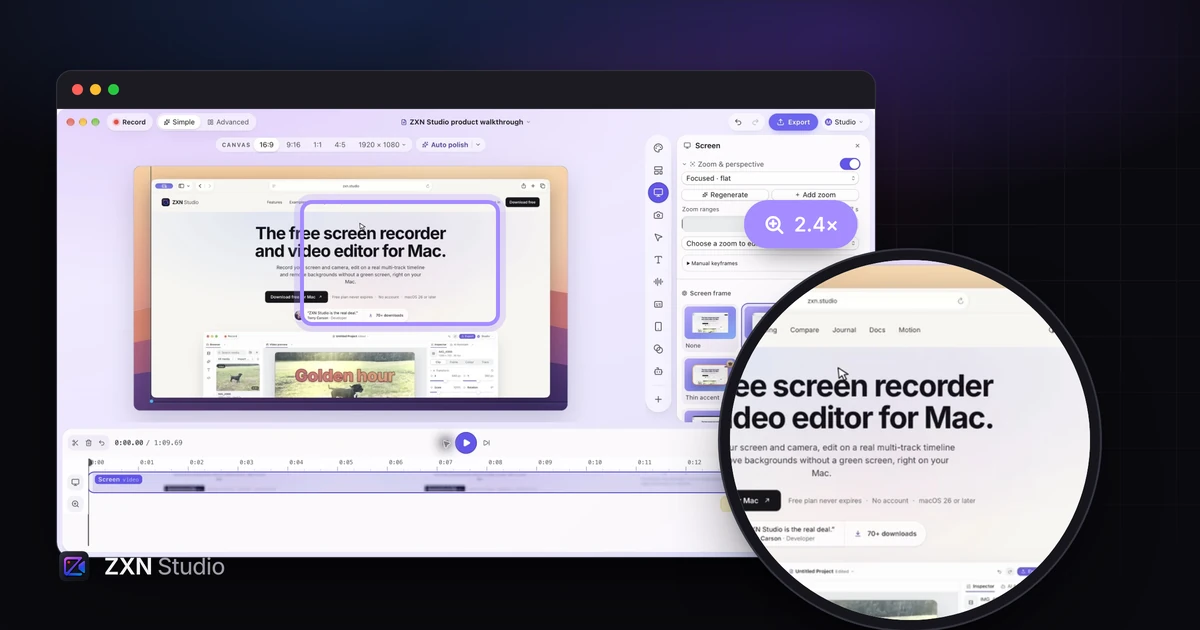
Auto zoom generates editable focus ranges from click information in a new ZXN recording. You can adjust the timing and framing or add a manual zoom when the important result appears elsewhere. See the automatic-zoom guide for the distinction between recorded click metadata and imported footage.
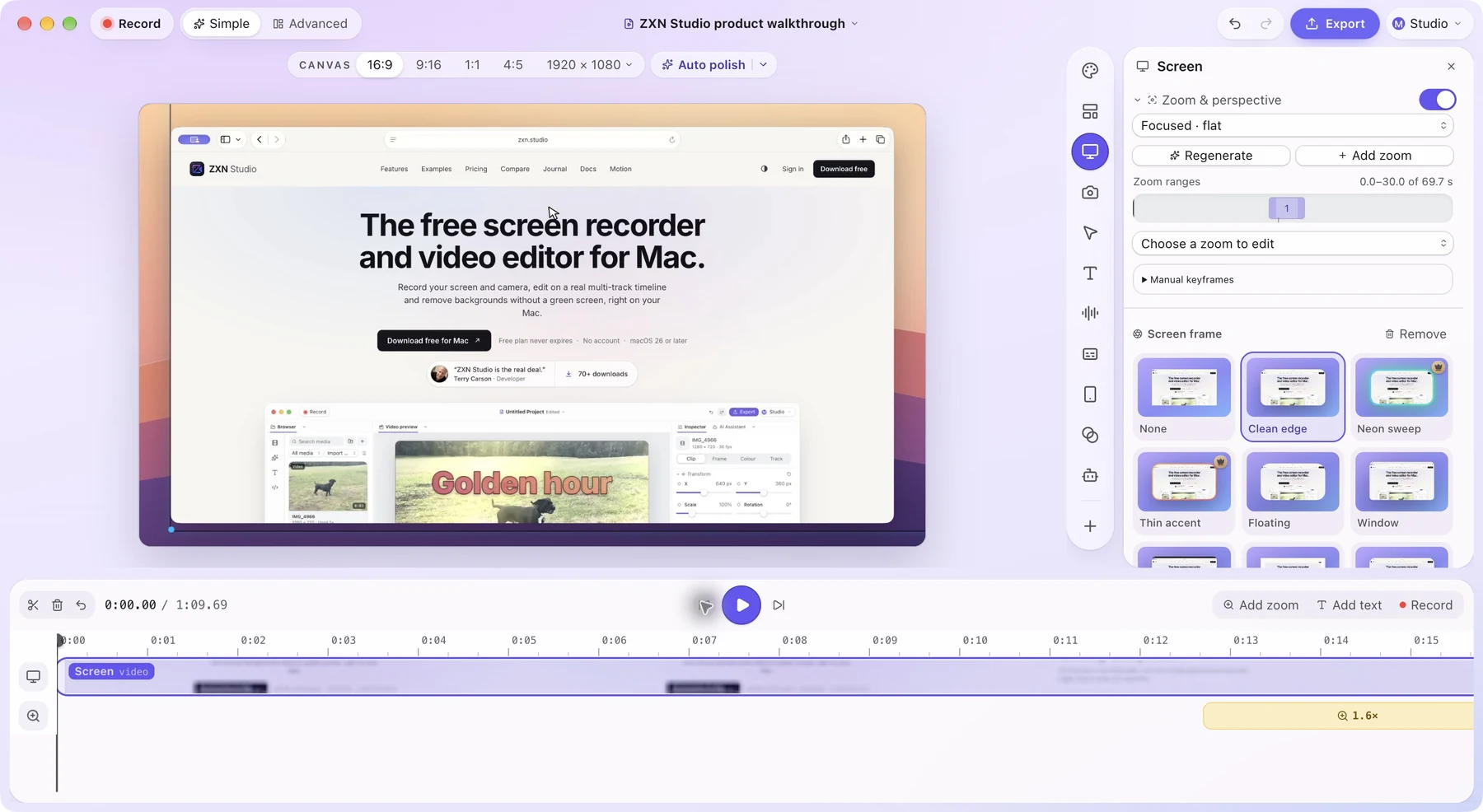
The free plan exports up to 1080p at 30 fps. Studio adds premium treatments and higher output options. Standard pricing is $15.99 monthly or $159 for the lifetime editor. Monthly includes hosted sharing and 300 GB managed storage; lifetime sharing uses your own private R2 bucket with separate storage costs. Current offers appear on pricing.
The main qualification is compatibility: the current native recorder requires macOS 26 or later. Check your machine before comparing effects. Choose ZXN for creative control, then test the exact capture and export you need.
2. Cap: distinguish the editor from the hosting plan
Cap offers Studio Mode for local recording and editing and Instant Mode for quick sharing. That separation is useful if some videos need polish while others only need to reach a colleague.
Its free personal-use offering includes the editor, but business users should check commercial licensing. The Desktop License and Pro cloud subscription answer different purchasing questions. An open-source codebase does not automatically make every hosted service or commercial use free.
Try one recording in the mode you expect to use daily. Check the resulting file, viewing link and storage arrangement. Cap is a sensible shortlist choice when those licensing and delivery options match your needs.
3. Tella: a presentation with a place to watch it
Tella combines recording, layouts, editing and hosted viewing. It suits a founder explaining a product or a team that wants a finished presentation and its viewing page within one service.
Its advertised annual-billing rates are $13 per user per month for Pro and $19 for Premium. Those are annual commitments, not monthly checkout prices. Check which tier contains the branding, analytics and export features you need.
Tella offers a seven-day trial rather than a permanent free plan. Compare it when publishing and viewer experience matter as much as local editing. Our Tella alternatives guide separates those priorities.
4. FocuSee: automatic presentation across two platforms
FocuSee supports Mac and Windows and emphasizes auto zoom, cursor styling and prepared camera layouts. It belongs on the list when you like automatic presentation but need to evaluate software used across different operating systems.
The pricing page separates subscriptions, one-time purchases and AI allowances. Read the version coverage of a permanent license and distinguish included recording features from metered AI tools.
For a useful comparison, record a menu opening near the edge of a window and a result appearing away from the pointer. Inspect whether the framing explains both. A dramatic zoom is helpful only when the viewer can still understand the interface.
5. OBS Studio: capture first, edit afterwards
OBS Studio is free and open source. Its scenes and source controls make it useful for recording several inputs or configuring a repeatable capture setup.
It is a different workflow from an editor that prepares zooms after recording. If you choose OBS, budget for editing, styling and delivery afterwards. That can be perfectly reasonable when you already own an editor or mainly need a clean capture.
Do not choose by price alone. A free recorder can still require time to set up audio and assemble the finished explanation.
Compare the same small task
Use a short task from your own product: open a project, change one setting and show the result. Record the same sequence in two shortlisted tools. Include a spoken correction so you can judge the editing process, not just the first capture.
| Check | What to inspect |
|---|---|
| Small controls | Readability in a smaller viewing window |
| Zooms | Whether the result stays visible after the click |
| Camera | Whether you can move it away from important content |
| Audio | Narration and application sound in the exported file |
| Delivery | The actual file or link your audience receives |
Review the full export, including its beginning and ending. If you plan to revisit the project next month, reopen it and replace one clip before deciding.
Which alternative should you choose?
Start with ZXN Studio when you want a Mac recorder and room to compose the final video. Compare Cap when licensing flexibility matters, Tella when hosted presentations lead, FocuSee for cross-platform automatic styling, and OBS for controlled free capture.
Keep your shortlist to two tools and finish one real video in each. The useful winner is the application that makes your recurring work easier while meeting your export, platform and sharing requirements.
More on screen recording
 10 Tella alternatives for demos, editing and video sharingChoose a Tella alternative by the job: Mac demos, transcript editing, training or team messages. Compare ten options, free plans and practical trade-offs.
5 FocuSee alternatives for recording and editing on MacCompare five FocuSee alternatives by the work after recording: editable zoom, layered timelines, commercial licensing, subscriptions and sharing.
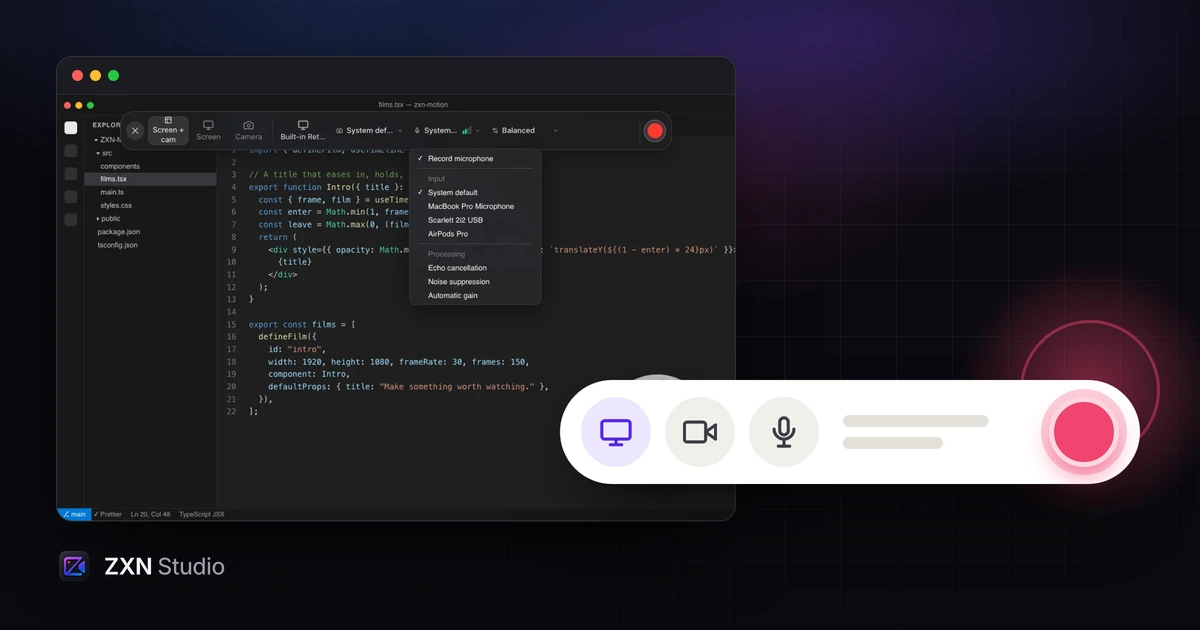 A screen recording worth watchingPlan a screen recording around one useful outcome, then shape the framing, narration and edit so viewers can follow the work instead of the cursor.