
ZXN Studio vs CapCut
Compare CapCut’s official editing and caption tools with ZXN Studio’s Mac recording and multi-track workflow, using a practical project test.
In this article
Choose between ZXN Studio and CapCut by starting with the video you need to make and where you need to work. ZXN Studio is a screen-recording and creative multi-track editor, currently available on Mac, with Windows and Linux planned. CapCut's official website presents desktop, online and mobile products alongside editing, caption and background-removal tools. Those are different starting points, not evidence that either application wins every task.
This comparison is current as of 19 September 2026. CapCut facts below come from its linked official pages; check its current site and the exact edition before purchasing.
Compare the edition you will actually use
CapCut's official site separates its desktop, online and mobile offerings. Do not assume that a feature advertised for a web tool has the same controls, plan requirements or availability in every other edition. Start by identifying the device and application you intend to use, then verify the required workflow there.
ZXN Studio's current native recorder targets macOS 26 or later. On Mac it records screen, camera and a microphone or audio-interface input. The native recorder also includes a System audio toggle for application playback. Enable it when needed and test that source separately from narration.
Review ZXN Studio requirements for the current macOS release rather than treating present availability as the product’s long-term platform identity.
Decide whether recording or assembly leads the job
For a software tutorial, capture and later composition may be closely connected. ZXN Studio keeps completed screen and camera recordings separately editable, allowing you to refine their placement while shaping the demonstration.
Its timeline supports trims, splits, layers, transforms, opacity, blend modes and keyframes. That combination suits work where you want to decide how several visual elements relate over time, rather than delivering the first recorded layout unchanged.
For a project built primarily from existing clips, start the comparison with those clips instead. Import representative media into the editions you are considering, make the same short sequence and inspect an export. Do not let an attractive recording demonstration decide a different kind of editing job.
Treat automatic captions as a distinct requirement
CapCut has an official web caption generator that describes automatic caption generation and editing. That is relevant when speech-to-text captions are central to your production. Check the feature's current language, account and export conditions in the version you plan to use.
ZXN Studio's titles and source-backed editable TSX motion graphics are tools for designed on-screen content. Do not treat that feature description as a promise of automatic transcription or caption generation.
For a fair test, use a recording with the terminology and accents your videos actually contain. Inspect names, punctuation, timing and readability. A caption feature being available does not remove the editorial need to check its output.
Compare a composition, not a feature label
Both product descriptions include background-removal-related capabilities, but a matching label does not establish identical models, correction controls or results. CapCut advertises video background removal on its official tools site; ZXN Studio performs local removal with subject-appropriate models and correction controls.
ZXN Free includes people removal using RVM. Studio adds all cutout models and live removal. Test the subject you actually film, including movement and difficult edges, instead of comparing only still previews.
For styled content, use your own sample text and footage. Check whether supplied assets suit your intended use under the relevant terms rather than assuming a template or soundtrack carries unrestricted rights.
Compare the complete cost of the workflow
ZXN Studio Free includes recording/export up to 1080p at 30 fps, plain titles, six filters, six effects and three camera frames. Studio is $15.99 USD monthly or $159 USD lifetime and adds 4K, 60 fps, supported native ProRes masters and its expanded creative feature set. Monthly renews until cancelled; lifetime is one payment.
Check CapCut's current offer in your region and chosen edition rather than using an undated headline price. Include any service your required workflow depends on, not merely the price of opening an editor.
ZXN Studio payments use Stripe, account access supports up to two connected devices, and optional AI/Codex services may have separate requirements or charges. See plans and billing.
Run a fair acceptance test
Create the same short deliverable in each candidate workflow: a clear opening, one demonstrated action, a presenter or secondary layer and a readable ending. Add captions only through a verified caption workflow; do not assume title tools are equivalent.
Export rather than judging previews alone. In ZXN Free, Studio-only treatments may be previewed, but export identifies the clips requiring Studio. Check the finished file in its intended destination and note any manual fixes needed.
Choose the workflow that meets your priorities
Put CapCut on your shortlist when its particular edition or verified caption workflow matches your needs. Put ZXN Studio on your shortlist when Mac screen capture, separately editable recordings and deliberate multi-track composition match the work.
Use your first ZXN Studio project as a concrete trial. The useful choice is the one that completes your actual video with acceptable effort and a checked export, not the one with the longest feature list.
Include the delivery workflow
ZXN Studio monthly includes hosted link sharing and 300 GB of managed storage. Upload a finished video deliberately, choose visibility and test the viewer link. Optional editable project backups remain private; the lifetime editor purchase does not include the monthly managed-storage allowance. Read the sharing guide when comparing the complete recording-to-delivery process.
Related comparisons
 ZXN Studio vs DaVinci ResolveCompare ZXN Studio’s recording-led workflow with DaVinci Resolve’s post-production tools, including free export limits and a practical hand-off test.
 ZXN Studio vs LoomCompare Loom’s video-message and sharing workflow with ZXN Studio’s editable Mac recordings, creative timeline and file-based delivery choices.
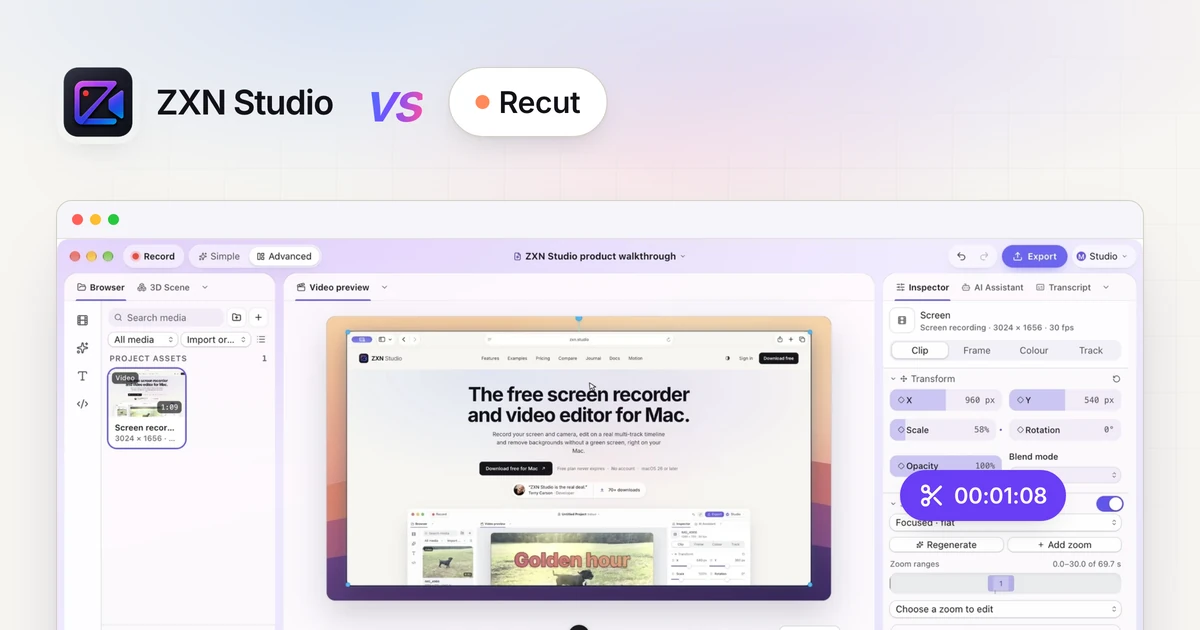 ZXN Studio vs RecutCompare Recut’s automatic silence-removal role with ZXN Studio’s recording and creative editing workflow, including pauses, hand-offs and export checks.