
ZXN Studio vs Recut
Compare Recut’s automatic silence-removal role with ZXN Studio’s recording and creative editing workflow, including pauses, hand-offs and export checks.
In this article
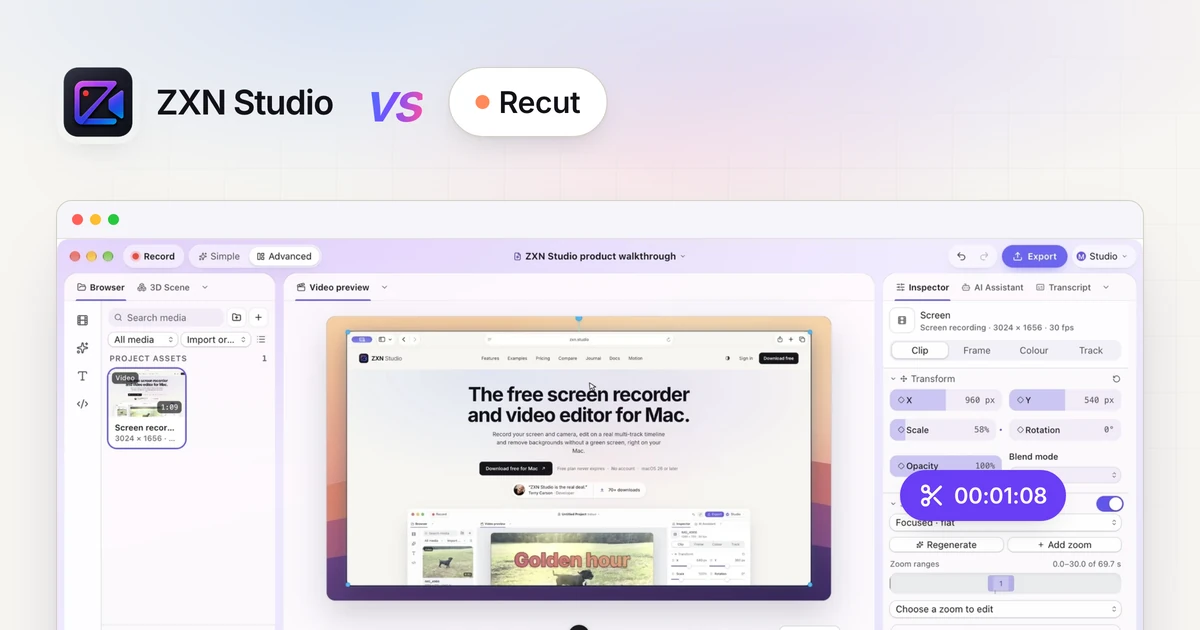
Recut and ZXN Studio address different parts of video production. Recut's official site describes automatic silence detection and cut-list creation, with multi-track support and export to other editing workflows. ZXN Studio combines screen recording with creative multi-track editing. The current release is for Mac, with Windows and Linux planned. Choose based on whether your main problem is finding pauses or building the finished visual explanation.
This comparison is current as of 19 September 2026. Recut details come from its linked official pages; check the current product, pricing and export documentation before committing.
Identify the work you are repeating
Look at a recent recording and separate the editing tasks. Removing long pauses is one task. Choosing the best explanation is another. Framing the presenter, adding titles and deciding what the viewer should see are different tasks again.
A tool can reduce one repetitive operation without replacing the rest of the edit. Conversely, a broad editor may provide the controls to complete a project without automating your most time-consuming first pass.
Write down where your effort actually goes. A comparison based on the number of minutes in the original recording tells you less than one based on the decisions you keep repeating.
Where Recut's automation is relevant
Recut's official silence-removal tutorial explains controls for the detection threshold, minimum silence duration and padding, along with manual overrides. That is a useful starting point when a recording contains pauses you would otherwise remove individually.
The same tutorial acknowledges that quiet sections can contain meaningful typing or mouse gestures. Automatic silence removal should therefore be reviewed against the picture, not accepted solely because the narration sounds tighter.
Test ordinary speech, quieter words and any pauses needed for the viewer to read. The goal is a useful rough cut, not the shortest possible interval between sentences.
Where ZXN Studio's editing fits
ZXN Studio supports trims, splits, layers, transforms, opacity, blend modes and keyframes. It also includes titles, effects, colour corrections, wheels, curves, local background removal and source-backed editable TSX motion graphics.
These controls are relevant after you know which material belongs in the video. You can compose a presenter beside a demonstration, direct attention to a detail and build a clear opening and ending.
Do not choose ZXN Studio on the assumption that manual timeline editing includes Recut-style automatic silence removal. That automation is not promised here. Use the timeline guide to evaluate the actual editing process rather than equating two different meanings of 'video editor'.
Keep recording requirements separate
ZXN Studio's current native recorder targets macOS 26 or later. On Mac it records screen, camera and a microphone or audio-interface input, with completed screen and camera recordings remaining separately editable.
The current native Mac recorder supports application playback through its System audio toggle, separately from microphone selection. If your tutorial depends on software sound, include that playback in a short recording test before the full take.
For this comparison, treat recording and pause removal as separate requirements. A good rough cut cannot restore a missing audio source or an interface action that was never captured. Follow recording preparation first.
Do not assume a direct project hand-off
Recut's official compatibility information names export workflows for editors including DaVinci Resolve, Final Cut Pro and Premiere, and describes standard video/audio-file exports. ZXN Studio is not established here as a native cut-list destination.
Do not assume that an XML or another editor's project file will import into ZXN Studio as editable cuts. Test any proposed exchange using the exact applications and formats involved.
If you try a rendered-file hand-off, verify import, synchronisation and the result of further editing. A flattened video does not preserve separate source layers as an editable timeline. Keep originals and any cut-list output so you can revisit the earlier stage.
Compare costs without merging the products
At the time of this comparison, Recut's official site lists a $129 one-time purchase, a $15 monthly option and a trial with three free exports. Check its current terms and checkout rather than assuming those conditions remain unchanged.
ZXN Studio Free includes recording/export up to 1080p at 30 fps and its included creative treatments. Studio is $15.99 USD monthly or $159 USD lifetime, adding 4K, 60 fps, supported native ProRes masters and the expanded creative feature set.
ZXN monthly renews until cancelled; lifetime is one payment. Buying one product does not establish access to the other. Budget for both only after verifying that the combined workflow has value. See ZXN plan details.
Judge the finished explanation
Use a test containing a quiet on-screen action, a mistaken sentence and a deliberate pause. Review the proposed cuts, then watch the finished export for clipped words, lost visual context and sync problems.
In ZXN Free, Studio-only treatments may be previewed but are identified at export. Recut also needs a completed export test rather than a decision based only on preview playback.
Choose Recut when its verified pause-removal workflow addresses the repetitive job. Choose ZXN Studio when recording and visual composition are the priority. Combine stages only when the hand-off works and the final video remains easy to follow.
Share after the edit is finished
ZXN Studio monthly includes hosted link sharing and 300 GB of managed storage. Finish and inspect the edit, then upload privately and choose visibility before sending a viewing link. The lifetime editor purchase does not include that monthly managed-storage allowance. See the sharing workflow when budgeting for both editing and delivery.
Related comparisons
 ZXN Studio vs CapCutCompare CapCut’s official editing and caption tools with ZXN Studio’s Mac recording and multi-track workflow, using a practical project test.
 ZXN Studio vs DaVinci ResolveCompare ZXN Studio’s recording-led workflow with DaVinci Resolve’s post-production tools, including free export limits and a practical hand-off test.
 ZXN Studio vs LoomCompare Loom’s video-message and sharing workflow with ZXN Studio’s editable Mac recordings, creative timeline and file-based delivery choices.