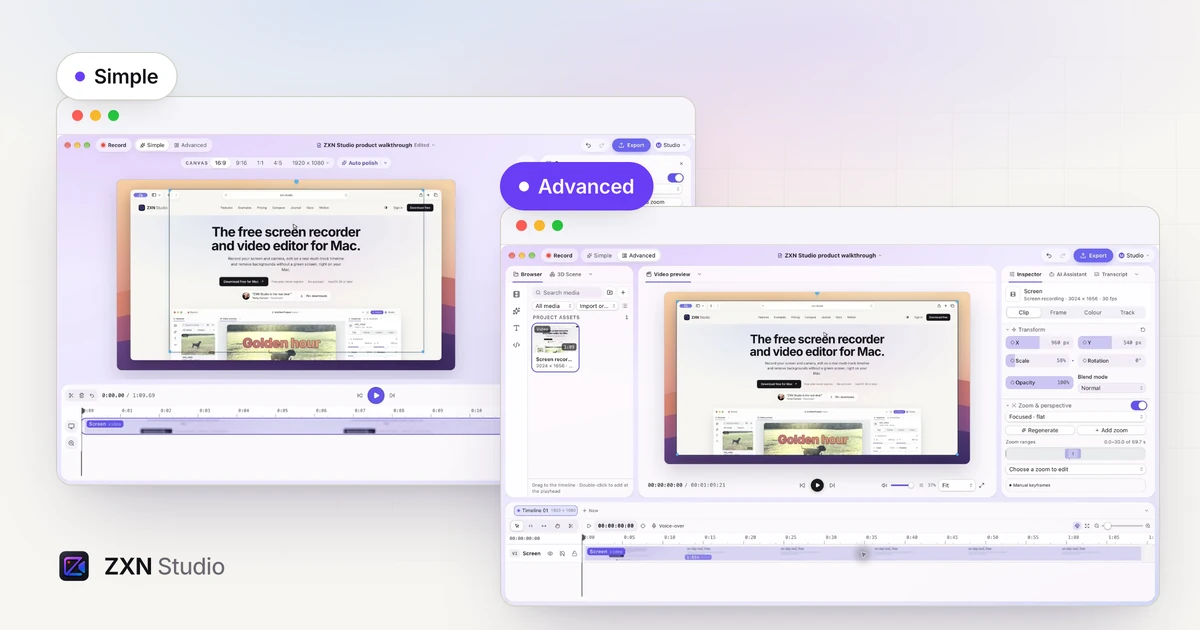
One project, two layouts: Simple and Advanced in ZXN Studio
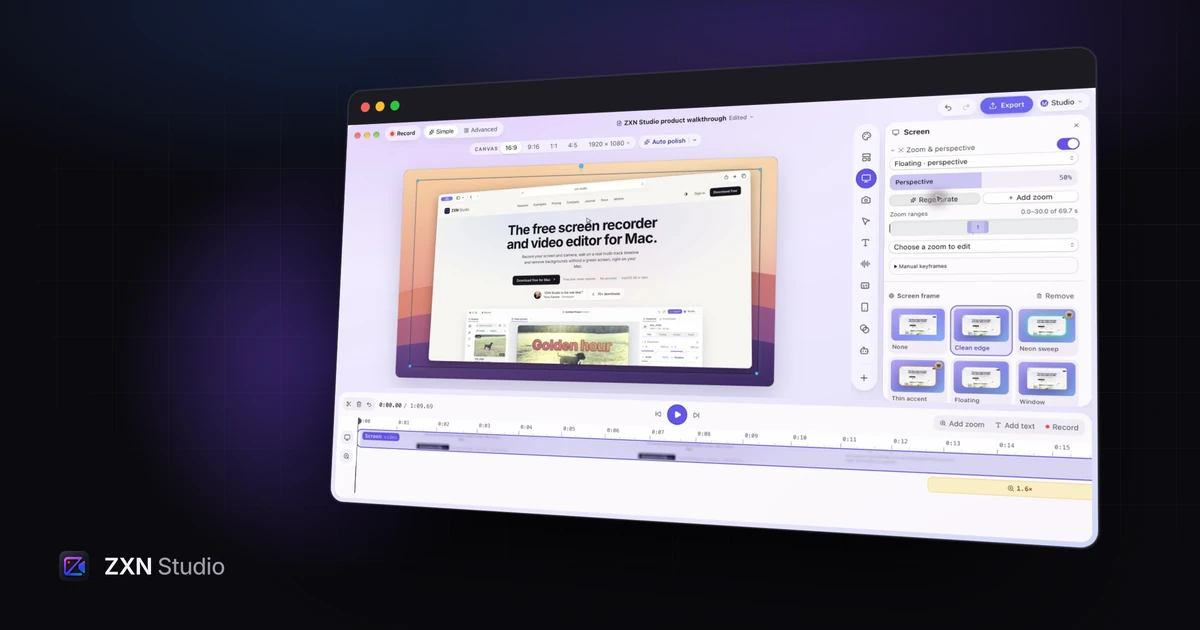
Keep the preview front and center in Simple, or open the full editing workspace in Advanced. Switch layouts while continuing the same project.
Read moreNotes on recording, editing and making something worth watching.
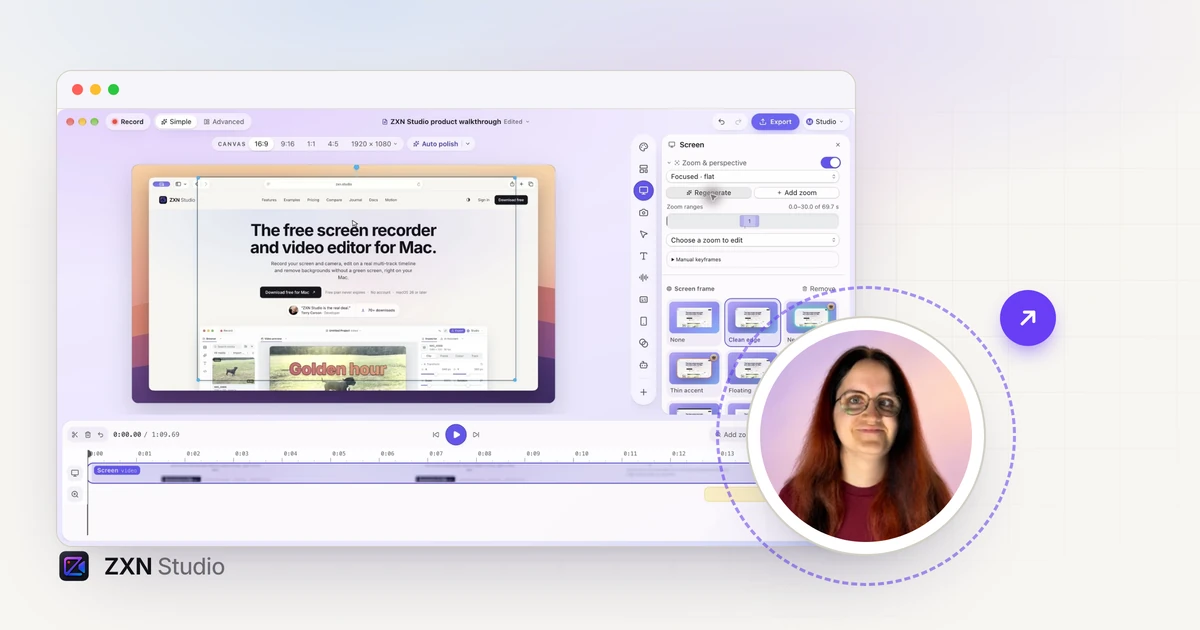
Keep the preview front and center in Simple, or open the full editing workspace in Advanced. Switch layouts while continuing the same project.
Read more
Let your presenter extend beyond a camera frame in ZXN Studio. Learn how Pop out, subject cutouts, headroom and shadow work together.
Read more
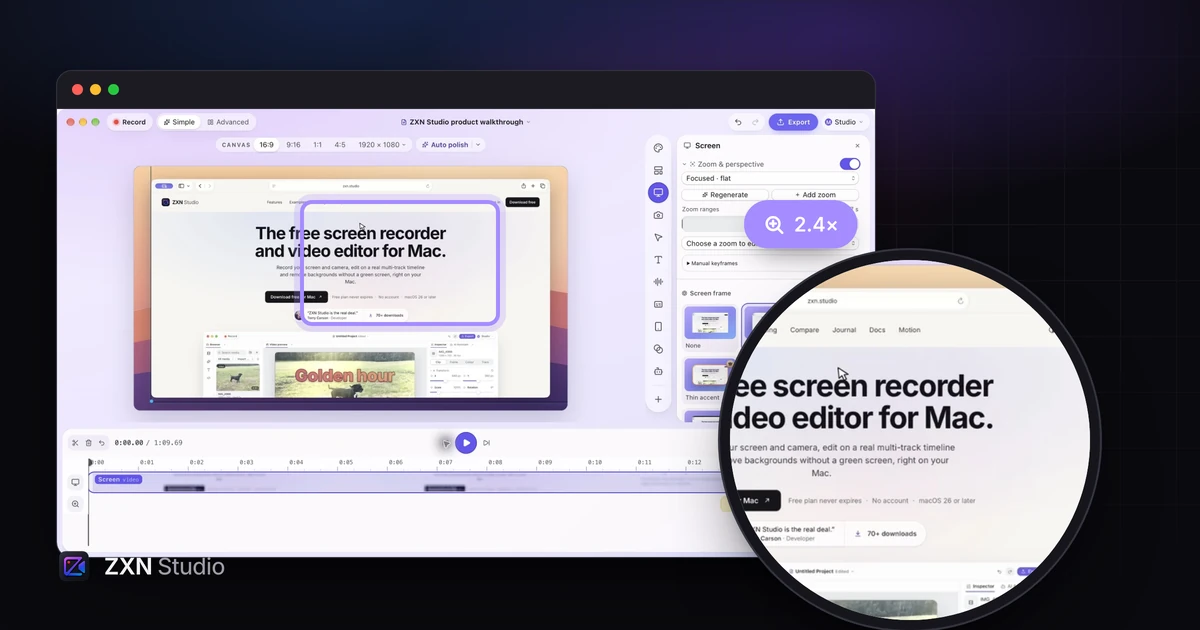
Turn recorded clicks into editable zoom ranges in ZXN Studio, then refine timing and framing so viewers can follow the important action.
Read more
Use Floating perspective in ZXN Studio to give a screen recording depth, then refine the intensity and zoom framing for readable product demos.
Read more
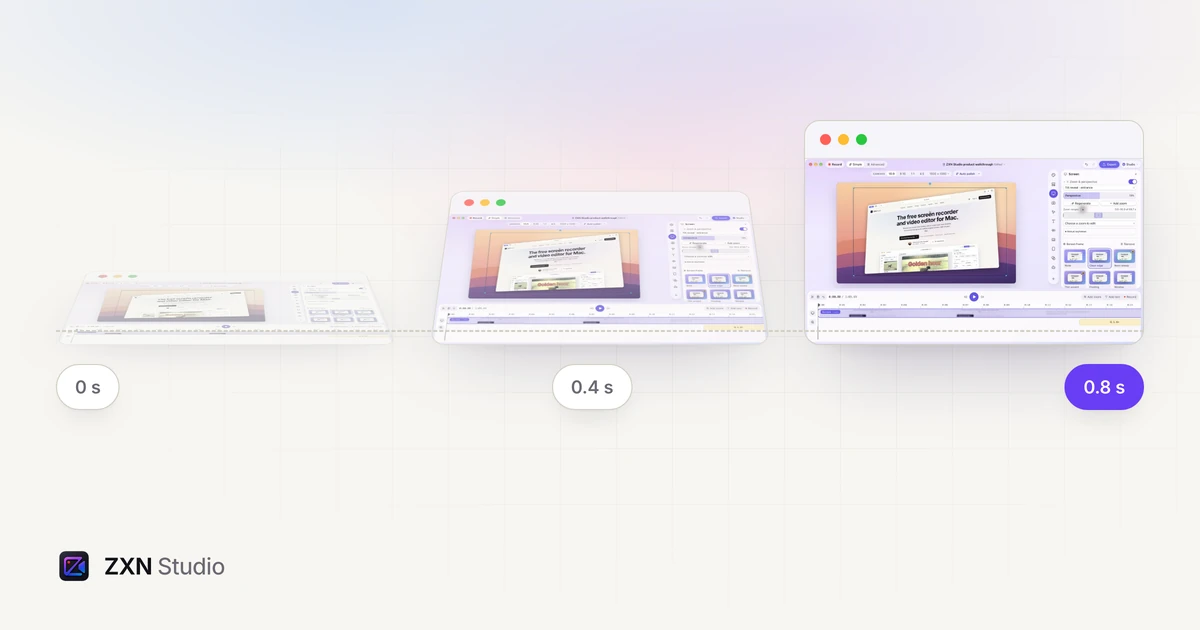
Introduce a screen recording with an angled reveal, control its strength and use manual perspective keyframes when the movement needs precise timing.
Read more
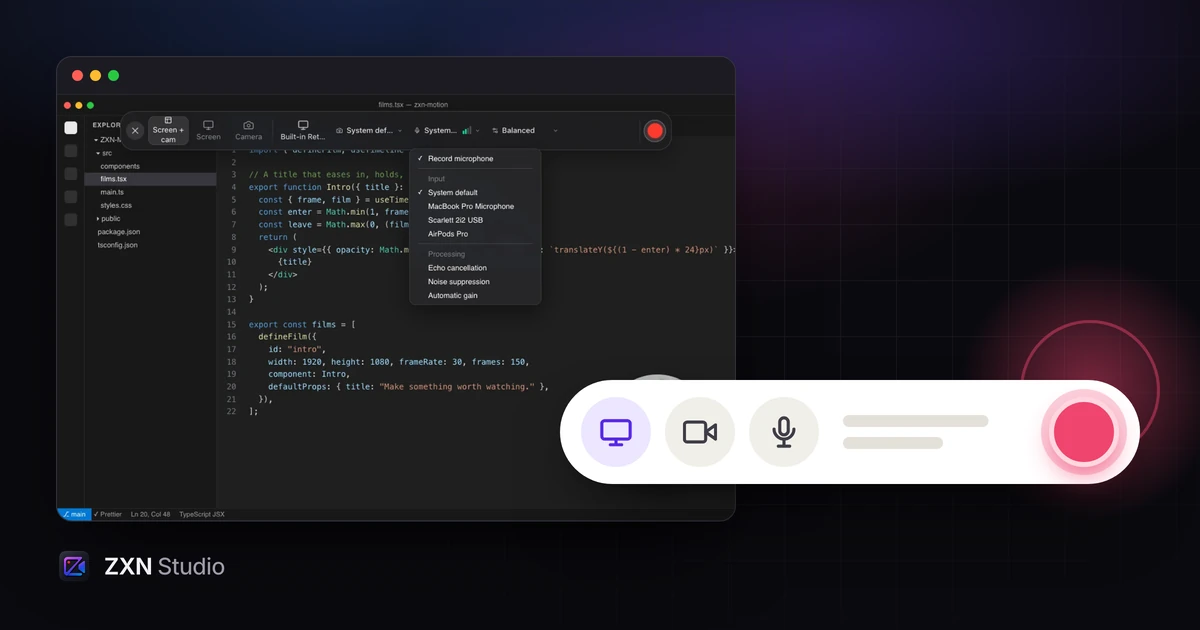
Plan a screen recording around one useful outcome, then shape the framing, narration and edit so viewers can follow the work instead of the cursor.
Read more
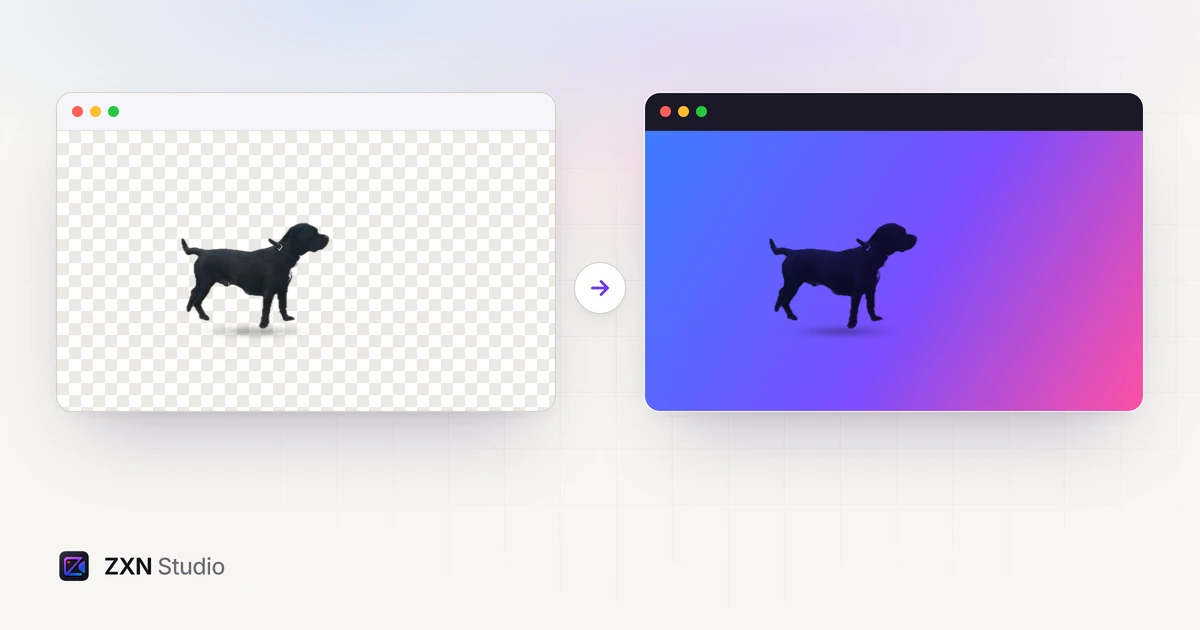
A clean edge is only one part of a good cutout. Review subject choice, motion, lighting, scale and the exported composition before publishing.
Read more
Compare the real cost of monthly and lifetime Studio access, count paid months honestly and test the features you need before committing.
Read more